An SEO tutorial may look excellent as a Pinterest Pin but still fail to earn a useful website visit. A tall image promises a practical checklist; the visitor taps through and lands on a broad article where the promised checklist is difficult to find. The problem is not necessarily the design. It is the missing connection between the visual promise and the page that must deliver it.
Pinterest Pin templates are most useful when they begin with the content of the destination page rather than a decorative layout. A reusable template can save production time, but a template that makes every article look and sound identical can hide the differences that matter to readers. This walkthrough shows how to build a small template system around actual website content, check each design against its destination, and learn from referral behavior without inventing performance claims.
Start With a Page-to-Pin Content Brief
Open one published page and identify its primary reader job. Write down the exact action someone can complete after reading it, the evidence or example that supports the page, and the next step the page offers. Do this before opening a design editor. A page about checking orphan URLs may support a diagnostic checklist Pin; it does not automatically support a claim that a single tool will fix every internal-link problem.
Create a brief with six fields: page URL, reader problem, truthful promise, three supporting points, preferred visual pattern, and intended click action. Keep the URL as the canonical destination rather than choosing a category archive merely because it contains the article. If the article has several sections, select one coherent angle for each creative rather than squeezing every subtopic onto one image.
Check the destination on a phone. The headline should be visible, the promised material should be easy to locate, and any downloadable resource mentioned in the Pin must actually exist. For a structured review of this relationship, use the site’s Pin-to-landing-page relevance audit. A misleading Pin can attract curiosity clicks while disappointing visitors after arrival.
Do not assume that a Pin needs to repeat the article title verbatim. It should represent a specific, accurate benefit. A title such as “How to Build an SEO Measurement Plan” might become “Know What to Track Before Your First SEO Report,” provided the destination really teaches that setup.
Choose Three Visual Patterns, Not Thirty Decorative Variations
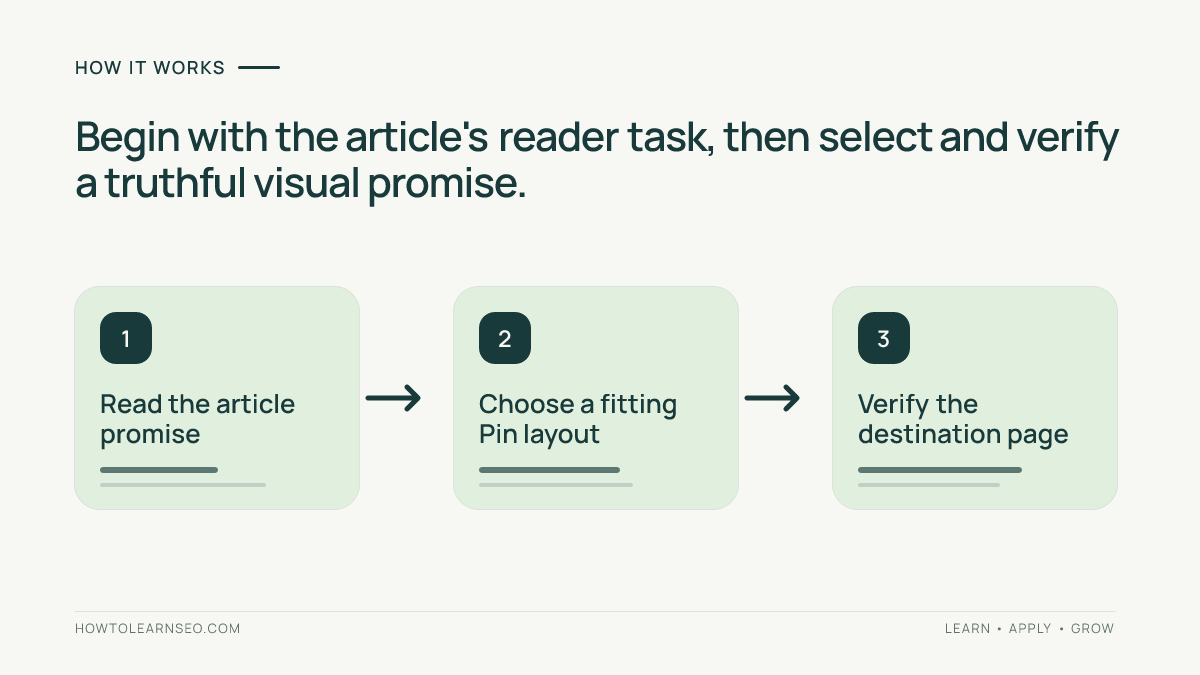
Build a compact design library with a process template, a checklist template, and a comparison template. The process layout suits ordered tasks. The checklist layout suits inspections and pre-publication reviews. The comparison layout suits decisions where two approaches have different trade-offs. A design is not useful merely because it looks different; its visual structure should clarify the information.
For the process template, reserve space for a clear headline, three short steps, one visual cue, and a small brand mark. For the checklist template, allow a headline and four scannable checks. For the comparison template, make the two choices and the decision criterion obvious. Keep the most important words readable on a small mobile screen, and leave breathing room around text.
Pinterest provides creative guidance for Pins through its business creative best-practices resources. Treat common portrait design proportions as a practical starting point rather than a promise of distribution. Test how your actual images appear in the interface and verify current specifications before exporting.
Create a consistent visual identity through a limited type scale, a restrained palette, and recurring spacing rules. Do not make every Pin use the same headline position and icon arrangement if that obscures the content. Brand consistency should help someone recognize the source while each creative still tells a distinct story.
Write the message first, then choose the pattern. If you must force a six-step tutorial into a three-box layout, either select the three meaningful phases and label them honestly or choose a different template. The template serves the explanation, not the reverse.
A Worked Example: Turn One Tutorial Into Three Honest Pins
Consider a hypothetical SEO education article teaching website owners how to check whether important pages have internal links. Its core outcome is a list of orphan-page candidates to investigate, not a guaranteed ranking improvement. The input is the article URL, a list of inspection steps, and a screenshot-free explanation of what the results mean. These are illustrative editorial inputs, not results from a live campaign.
First, build a process Pin headed “Find Pages Your Navigation Misses.” Its three boxes read “Collect important URLs,” “Compare internal links,” and “Review genuine exceptions.” The destination must explain each action and distinguish intentionally isolated pages from pages that deserve new links. The expected output is a clear preview of the workflow, not an assertion that every isolated URL is an error.
Second, build a checklist Pin headed “Before You Add Another Internal Link.” Use four checks: “Is the page indexable?”, “Is it useful to readers?”, “Does the source page fit?”, and “Is the anchor descriptive?” This angle serves someone who already found a candidate and needs to decide whether to link. If the destination does not address those questions, improve the page or choose a different URL before publishing.
Third, build a comparison Pin: “Orphan Page or Intentional Standalone Page?” Contrast pages that need navigation with pages intentionally kept outside the main journey. This concept requires nuance, so avoid a simplistic red-versus-green verdict. The destination must provide criteria for reviewing exceptions.
Verify the package by reading each headline without its image, then opening the linked article and locating the corresponding section. Ask whether a reasonable visitor receives what was promised. If not, revise the creative before uploading. The edge case is a tutorial that changes after the Pin is designed: recheck claims and destination content before publishing older assets.
Once published, compare outbound clicks in Pinterest Analytics with relevant landing-page sessions in GA4, allowing for reporting differences. The Pinterest GA4 and UTM tracking guide explains how to distinguish creative variants without mistaking clicks for sessions. No sample numbers here represent observed traffic.
Build a Reusable Production Sheet
A template system needs an editorial record as much as a design file. In a spreadsheet, give each Pin concept its own row with the article URL, reader job, creative angle, template type, headline, description, destination verification date, publishing status, and measurement label. Add a revision note when the destination changes.
Name exports consistently, for example orphan-audit-process-v1.png and orphan-audit-checklist-v1.png. A filename is an internal production aid, not a Pinterest ranking factor. Store editable source designs separately from final exports so you can correct inaccurate wording without rebuilding the artwork.
Create a short quality check before approving an image. Read the headline at mobile size. Confirm contrast and that no words are cropped. Check the spelling of tool names and technical terms. Ensure the graphic contains original or properly licensed visual material. Avoid invented screenshots, fabricated charts, or interface elements that imply a feature exists when it does not.
Draft Pin titles and descriptions from the actual task. For example, a descriptive title might be “Orphan Page Audit Checklist for Website Owners.” The description should explain who benefits and what the linked tutorial covers, not repeat a block of unrelated keywords. The site’s Pin title and description tutorial offers a complementary workflow.
Do not create a new blog post for each creative variant. Several truthful Pins can point to one strong resource when each promises a different supported angle. Conversely, one vague destination should not be used for unrelated search intents simply to maximize posting volume.
Check Whether the Template Is Helping the Right Visitors
After publishing, inspect the Pin in its real context. Make sure the headline is legible, the description accurately describes the destination, and the outbound link opens the intended mobile page. Pinterest’s Analytics guidance describes available performance reporting; specific metrics and interface labels can vary by account and feature availability.
Choose the measure based on the job. Impressions show exposure, while outbound clicks indicate attempts to visit the linked website. GA4 sessions and on-site engagement help assess what happens after arrival. These metrics need not match one-to-one because of consent, loading, attribution, and reporting differences.
Compare creatives only after recording their publication dates and observation windows. A Pin that has been live for several weeks should not be treated as equivalent to one published yesterday. If a template gets impressions but few outbound clicks, inspect whether the promise is specific and useful. If clicks occur but visitors leave quickly, review destination relevance and mobile usability before blaming the artwork.
Change one meaningful variable at a time where practical: the information angle, the headline, or the layout. Record what changed and when. The site’s fresh Pin design testing guide covers how to compare variants without treating a small difference as proof of causation.
Use the results to improve the template library, not to chase a universal winning design. A checklist may work well for audits while a process diagram better serves a beginner setup guide. Keep useful layouts, revise confusing ones, and retire designs that repeatedly require misleading simplification.
Handle the Cases Templates Commonly Get Wrong
A detailed tutorial may contain too many steps for a compact Pin. Show an honest subset or a meaningful three-phase overview, and make the destination’s fuller explanation clear. Do not label three phases as the entire process if essential checks remain. A complex comparison may need two separate Pins rather than unreadably small columns.
An article may also lack a compelling visual example. Use an original conceptual diagram or checklist rather than inventing analytics results. If a graphic includes numbers, identify them as illustrative assumptions unless they come from verifiable, properly attributed data. Avoid implying that your site tested outcomes that it did not.
Some pages are not ready for Pinterest promotion. If the mobile experience is broken, a promised resource is missing, or the article is outdated, repair the page first. If the page has changed URLs, confirm the destination and redirect behavior. Pinterest creative production cannot compensate for a weak landing-page experience.
Finally, be cautious with repetitive Pins. Different background colors do not make materially distinct content. Change the information angle when the reader has a different question, not simply to fill a schedule. Use the Pinterest board planning guide to place relevant Pins in coherent contexts without inventing narrowly differentiated boards for every design.
A Final Pre-Publish Review
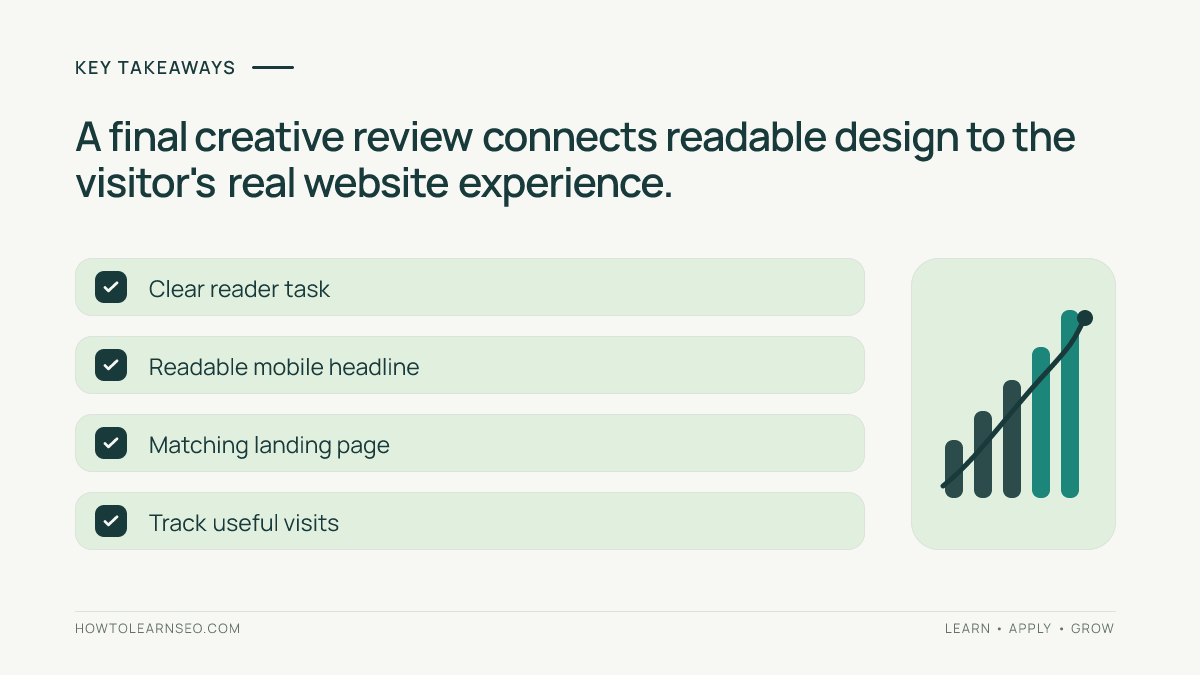
Before approving a Pin, answer five questions in order. Can the reader identify the promised task immediately? Does the layout clarify that task? Is the claim fully supported by the linked page? Does the destination work on mobile? Can you later distinguish this creative from other variants in your records? A no on any of these is a reason to revise before publishing.
Pin-ready hook for a future original graphic: “Stop designing Pinterest Pins before checking what your article actually delivers.” A second angle is “One useful tutorial can support three different Pin layouts—if each promise is true.” These are creative briefs, not Pins that have already been generated or scheduled.
Frequently Asked Questions
Should every blog post use the same Pinterest Pin template?
No. Reuse a consistent visual system, but choose a layout that fits the article’s actual reader task. A checklist, process, and comparison often need different structures.
Can several Pins link to the same website article?
Yes, when each Pin accurately presents a distinct supported angle and the destination answers the promise. Avoid near-identical creatives that add no reader value.
Do Pinterest Pin templates guarantee more website traffic?
No. Templates improve production consistency, but traffic depends on relevance, discovery, creative clarity, audience behavior, and the usefulness of the destination page.
What should I measure after publishing a Pin?
Check outbound clicks and relevant website sessions, then assess useful on-site actions where measurement is available. Do not use impressions alone as a website traffic result.
What if the article changes after I design the Pin?
Review the Pin headline, claims, and destination again. Update or replace misleading creative assets, and confirm the link still reaches the intended page.
Do I need a paid design tool to make reusable templates?
No. Any editor that lets you save consistent layouts and export readable original graphics can work. Prioritize accurate content, legibility, and rights to the assets used.
Conclusion
Choose one published tutorial, complete its page-to-Pin brief, and produce a process, checklist, or comparison creative only where the article supports it. Verify the promise on mobile before publishing, then use measured website visits to decide which template deserves another iteration. A good template system protects clarity as it saves time.