
A 404 error means a requested URL could not be found on the server. Every website eventually produces some 404s: visitors mistype addresses, old links survive after pages are removed, and external sites may link to URLs that never existed. The SEO question is not whether your site has any 404 errors. It is whether important pages, internal links, sitemaps, or valuable backlinks are leading to them unnecessarily.
This guide explains 404 errors and SEO in practical terms. You will learn how true 404s differ from soft 404s, when to restore a page, when to redirect it, when to leave it deleted, and how to find the broken paths that actually deserve attention.
Quick Answer: Do 404 Errors Hurt SEO?
A normal 404 response is not automatically harmful to SEO. It is the correct response when a page does not exist and has no suitable replacement. Problems arise when important pages return 404 by mistake, internal links repeatedly send users and crawlers to missing URLs, valuable backlinks point to recoverable content, or an error page returns a misleading 200 OK status and becomes a soft 404.
The correct fix depends on what happened to the content. Restore a page that should exist, redirect a permanently moved page to its closest replacement, correct broken links, and keep a genuine 404 or 410 when content was intentionally removed without an equivalent alternative.
Key Takeaways
- A true 404 is a valid technical response for a URL that no longer exists.
- A soft 404 usually displays missing or unusable content while returning a success status such as 200.
- Do not redirect every missing URL to the homepage or an unrelated page.
- Use a permanent redirect only when a clear, relevant replacement exists.
- Fix internal broken links even when the destination correctly returns 404.
- Remove dead URLs from sitemaps and other discovery feeds after deciding their final outcome.
- Prioritize errors by user impact, page importance, backlinks, traffic, and business value.
What Is a 404 Error?
A 404 error is an HTTP response status indicating that the server was reached but could not find the requested resource. The browser can still display a designed page with navigation, search, and helpful links, but the server response should remain 404 Not Found.
That distinction matters. The visible message helps the visitor, while the HTTP status helps browsers, crawlers, monitoring tools, and search engines understand what happened.
A simple request-and-response example
Request: GET /old-seo-checklist/
Response: HTTP/1.1 404 Not Found
The response does not explain why the URL disappeared. It only communicates that the requested resource is unavailable at that location.
404 vs Soft 404 vs 410 vs Redirect
These outcomes are often confused, but they communicate different situations.
| Outcome | What the server does | When it is appropriate | Common problem |
|---|---|---|---|
| 404 Not Found | Returns a 404 status | The URL does not exist and may or may not return later | Important content was deleted accidentally |
| 410 Gone | Returns a 410 status | The resource was intentionally removed and is not expected to return | Used when a relevant replacement should have received a redirect |
| Soft 404 | Often returns 200 or an irrelevant redirect while presenting an error-like result | It is generally not an intended outcome | The server says “success” although useful content is missing |
| Permanent redirect | Returns 301 or 308 and sends users to another URL | The page moved permanently or has a genuinely equivalent replacement | The target is unrelated, creating confusion or a soft-404-like result |
| Temporary redirect | Returns 302 or 307 and sends users elsewhere temporarily | The original URL is expected to serve content again | Used for a permanent move, leaving the intended index signal unclear |
What makes a soft 404 different?
A soft 404 is a classification rather than a literal HTTP status code. A URL may return 200 OK but show “product not found,” an empty category, a blank template, or very little usable content. Google may decide that the page behaves like an error and report it as a soft 404.
Google’s documentation on troubleshooting crawling errors explains that displaying an error while returning a success status creates a poor experience and can cause the URL to be excluded from Search.
How 404 Errors and SEO Interact
Search engines do not need every URL they discover to remain indexable forever. Pages disappear naturally as inventories change, events end, content is consolidated, and websites evolve. A correct 404 or 410 tells Google that the URL should not be indexed as a live result.
Google may continue revisiting a missing URL for some time because a 404 can be temporary and old URLs can still be discovered through external links, browser history, or previous crawls. Repeated crawling does not mean the page must be restored or redirected.
In the Search Console Page indexing documentation, Google also notes that “Not indexed” is not necessarily bad. The goal is to have important canonical pages indexed—not to force every known URL into the index.
When 404 Errors Become an SEO Problem
An important page was removed accidentally
A published guide, product, category, or landing page can start returning 404 after a deployment, slug change, plugin conflict, migration, or manual deletion. If the page should still exist, the correct action is normally to restore it at the intended canonical URL or redirect the old address to its true new location.
Internal links point to missing URLs
A broken internal link interrupts the user journey and wastes a discovery path. Update the source link even if the destination is correctly returning 404. A structured SEO audit should regularly identify internal links that lead to 4xx responses.
The missing URL has valuable backlinks
If reputable websites link to an old resource, investigate whether a close replacement exists or whether the original content should be restored. Redirecting to an unrelated page merely to capture link value is not a useful solution. The replacement should satisfy the reason people followed the old link.
Dead URLs remain in the XML sitemap
A sitemap should represent canonical URLs you want search engines to crawl and consider for indexing. Leaving removed URLs in it sends a contradictory message: the sitemap presents them as current while the server says they do not exist.
Error pages return 200 OK
This creates a soft 404 risk. It can also pollute analytics, monitoring, and crawl reports because a failed experience looks technically successful. The template can be attractive and helpful, but the response status still needs to describe the missing resource accurately.
Large numbers of broken paths indicate a structural issue
A few random 404s are normal. Thousands created by malformed navigation, parameter handling, JavaScript routing, or a failed migration deserve investigation. The volume is a symptom; the underlying generator is the real problem.
Why 404 Errors Happen
- A page was deleted without updating internal links.
- A slug or folder path changed without a redirect.
- A migration missed some entries in its URL map.
- An external website linked to the wrong address.
- A visitor manually typed the URL incorrectly.
- A product, job, event, or listing expired.
- Uppercase letters, trailing slashes, extensions, or parameters created unexpected variants.
- A CMS route, rewrite rule, cache, or plugin stopped resolving the page.
- JavaScript rendered an empty state while the server returned 200.
- A staging or development URL escaped into a live page or sitemap.
Understanding the cause prevents repetitive cleanup. Fixing ten broken links is useful; fixing the template that generates ten new broken links every day is better.
How to Find 404 Errors
1. Review Google Search Console
Use the Page indexing report to review URLs Google classifies as not found or soft 404. Inspect representative URLs rather than assuming every example has the same cause. The URL Inspection tool can help compare Google’s last indexed information with the current live response.
A full Google Search Console workflow also helps you distinguish an old report from a current problem by checking the last crawl date and testing the live URL.
2. Crawl your own website
A site crawler can export every internal source URL, destination, anchor, and response code it encounters. Filter the results for 404 and 410 responses, then fix the source links that users can actually follow.
3. Check analytics and server logs
Analytics can reveal missing URLs that receive visits, while server logs can show which 404s are requested most often and whether the requester is a user, crawler, or automated scanner. Prioritize repeated requests from real navigation paths over one-off nonsense URLs generated by bots.
4. Review backlinks to broken URLs
Use the backlink data available to you to find external links pointing at 404 pages. Assess the linking page, the old content, and the closest current resource before deciding whether restoration, outreach, or a redirect is justified.
5. Test templates and dynamic routes
Check filtered categories, expired products, removed user profiles, on-site search results, and JavaScript routes. Dynamic websites can produce endless URL combinations, so test the rule that generates the page—not only individual examples.
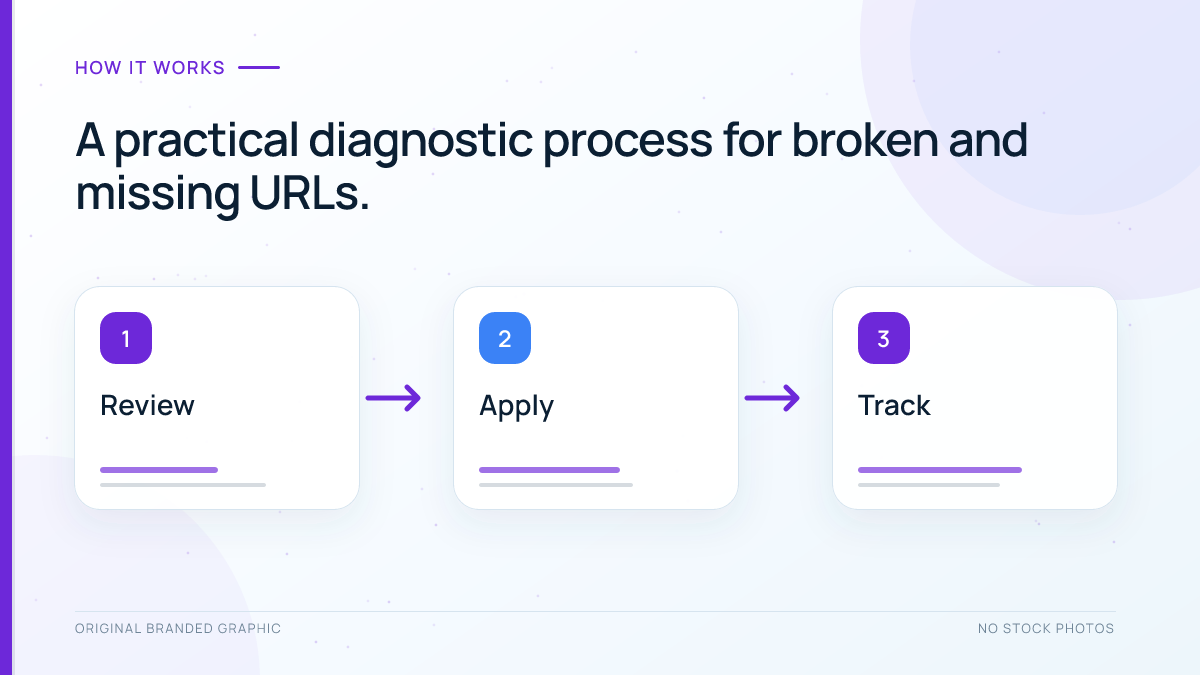
How to Fix a 404 Error Step by Step
Step 1: Confirm the real HTTP response
Do not rely only on the message visible in the browser. Verify the returned status code with URL Inspection, a crawler, browser developer tools, or an HTTP checking tool. Confirm the final URL as well, because a redirect can hide the original response.
Step 2: Decide what should happen to the content
Ask four questions:
- Should this exact page still exist?
- Did it move to a new permanent URL?
- Is there a genuinely equivalent replacement?
- Was it intentionally removed with no replacement?
The answers determine the repair. Do not choose a redirect simply because it makes the 404 disappear from a report.
Step 3: Restore pages that should exist
If a live page disappeared after a deployment, database error, routing change, or accidental deletion, restore the content and return 200 OK. Verify its canonical tag, robots directives, internal links, structured data, and sitemap inclusion after restoration.
Step 4: Redirect pages that moved permanently
When the old URL has a close replacement, use a permanent server-side redirect and update internal links to point directly to the destination. Google’s redirect documentation describes permanent redirects as signals that the new target should appear in search results.
For implementation details and testing, follow the site’s complete guide to 301 redirects for SEO.
Step 5: Keep a true 404 or 410 when no replacement exists
If content was intentionally deleted and no current page satisfies the same need, a 404 or 410 is honest and technically appropriate. Remove links to the URL from navigation, body content, canonicals, hreflang annotations, structured data, and sitemaps.
Step 6: Fix every controllable source link
Update internal links to the final canonical URL. This avoids unnecessary redirects and prevents users from landing on an error page. If an important external link contains a simple typo, polite outreach may be worthwhile, but do not build a campaign around correcting every low-value or automated link.
Step 7: Validate the result
Recrawl the affected pages, test the old and new URLs, and confirm the response chain. If Search Console reported the problem, check whether its recorded crawl happened before or after the fix. Google must recrawl a URL before its report can reflect the new state.
Which Fix Should You Choose?
| Situation | Best response | Additional action |
|---|---|---|
| The page was deleted accidentally | Restore it with 200 | Check canonical, indexability, internal links, and sitemap |
| The page moved permanently | 301 or 308 redirect | Update internal links to the new URL |
| Equivalent pages were consolidated | Permanent redirect to the consolidated page | Preserve the old page’s useful intent on the target |
| The content was removed without a replacement | 404 or 410 | Remove it from internal links and sitemaps |
| The URL is a typo or meaningless bot-generated path | 404 | Fix a source only if your site generated or linked to it |
| The outage is temporary | Restore service; consider 503 for genuine temporary unavailability | Do not permanently redirect unless the move is permanent |
| The page exists but Google reports soft 404 | Improve the live response or return the accurate error status | Inspect rendered content and blocked resources |
How to Fix Soft 404 Errors
Start by deciding whether the page should exist.
- If the content is gone: return a real 404 or 410 instead of a 200 response with an error message.
- If the content moved: redirect to the closest relevant replacement.
- If the page should be live: make sure Googlebot receives the full main content, a 200 response, and the resources needed to render it.
A legitimate page can occasionally be classified as soft 404 when critical content fails to load, the main body is nearly empty, a template displays a prominent “not found” message, or a JavaScript route does not communicate the correct server state. Inspect the rendered HTML and screenshot available through URL Inspection, then compare them with what a normal visitor receives.
For single-page applications, make error handling explicit. Google recommends meaningful status codes; when client-side routing makes that difficult, its JavaScript SEO documentation outlines approaches such as redirecting to a server URL that returns 404 or using noindex on the client-rendered error state.
How to Build a Useful Custom 404 Page
A custom 404 page cannot replace the missing content, but it can help a lost visitor recover. Keep the design consistent with the rest of the site and return a genuine 404 status.
A useful template normally includes:
- A clear statement that the requested page could not be found
- Normal site navigation
- A link to the homepage
- Links to a few genuinely useful sections or popular resources
- Site search when it works reliably
- A way to report a broken link when appropriate
Avoid filling the page with unrelated links or disguising it as a normal article. The user should understand immediately that the requested resource is unavailable.
404 Errors on WordPress Sites
On WordPress, a page can return 404 even though its content still exists in the database. Common causes include a changed permalink structure, a slug conflict, a post moved to trash, a custom post type rewrite issue, a migration mistake, a caching layer serving an old route, or a plugin or theme interfering with routing.
Use this order of diagnosis:
- Confirm the post or page status and its current public URL.
- Check whether the slug changed or another resource uses it.
- Verify the permalink settings without changing the structure casually.
- Clear relevant page, server, and CDN caches after a confirmed correction.
- Test plugin or theme conflicts in a safe staging environment when necessary.
- Review redirect rules for loops, chains, or an outdated target.
- Recrawl internal links and inspect the final server response.
Broad architecture problems can also generate orphaned or outdated routes. A clear website architecture for SEO makes it easier to maintain stable paths and update links when content changes.
Common 404 SEO Mistakes
Redirecting every missing URL to the homepage
The homepage rarely satisfies the intent of a removed product, article, or category. Mass homepage redirects confuse users and may be treated as soft 404s. Redirect only when the target is a meaningful substitute.
Returning 200 for a “not found” template
A polished design does not make the response successful. Keep the helpful template, but ensure the server returns the correct 404 status.
Blocking missing URLs in robots.txt
Google needs to crawl a URL to observe its 404 response. Blocking the path can prevent the crawler from seeing the status and understanding that the content is gone.
Leaving broken internal links in place
A correct 404 destination does not excuse a broken navigation path. Remove the link or update it to the best current resource.
Using the Removals tool as the permanent fix
A temporary Search Console removal can hide a result quickly, but it does not repair the underlying URL state. Make the permanent change on the website through removal, access control, or an appropriate indexing directive.
Assuming every 404 requires action
Bot-generated paths, typos, and long-abandoned URLs can remain 404. Spend time on errors that affect real users, valuable links, current navigation, important pages, or discovery systems.
Using a 404 for a temporary server failure
A missing resource and a temporarily unavailable service are different conditions. Returning 404 during a short outage can communicate that the page is gone when it is expected to return.
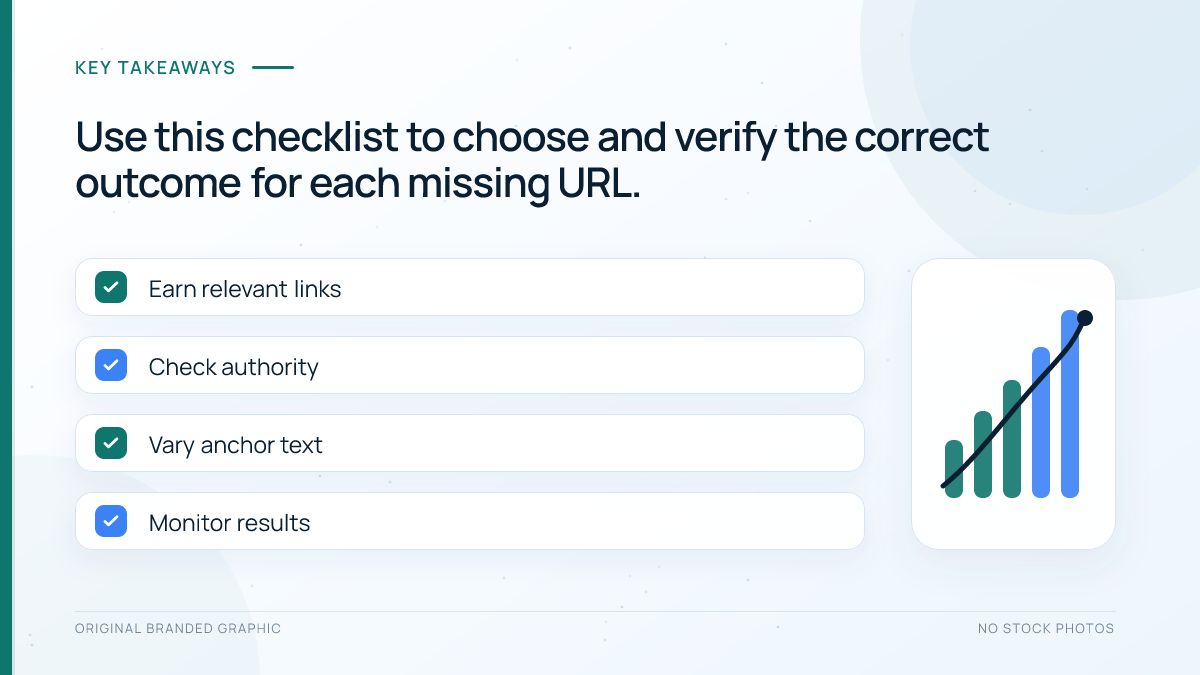
404 Error Audit Checklist
- Confirm the HTTP response and final URL.
- Check whether the page should still exist.
- Identify a replacement only if it matches the original intent.
- Restore accidentally removed pages.
- Use a permanent redirect for genuine permanent moves.
- Keep 404 or 410 when no suitable replacement exists.
- Repair internal links to missing or redirected URLs.
- Remove dead URLs from sitemaps and structured discovery feeds.
- Inspect valuable backlinks to broken pages.
- Verify that custom error templates still return 404.
- Investigate soft 404s with rendered-page and resource checks.
- Recrawl after changes and document the outcome.
Do not let a long error export dictate priorities by itself. Start with missing URLs that had traffic, conversions, backlinks, internal links, or a role in the site’s topic structure. This keeps the repair effort proportionate and prevents low-value bot noise from consuming the entire technical SEO backlog.
Frequently Asked Questions
Do 404 errors lower a website’s rankings?
A normal 404 for a genuinely missing URL is not automatically a site-wide ranking problem. SEO impact appears when important pages disappear accidentally, internal links repeatedly lead to errors, valuable backlinks lose a relevant destination, or a technical system creates large numbers of broken URLs. Evaluate the cause and importance of each pattern rather than treating every 404 as a penalty.
Is 410 better than 404 for deleted content?
Both communicate that the requested content is unavailable, and either can be appropriate. A 410 states that the removal is intentional, while a 404 simply says the resource was not found. The more important decision is whether the content has a relevant replacement. If it moved, redirect it; if it is truly gone, return an accurate 404 or 410.
Should I redirect every 404 page?
No. Redirect only when a destination closely matches the purpose of the missing page. Sending every 404 to the homepage, a category, or an unrelated article creates a confusing experience and may be interpreted as a soft 404. When no equivalent replacement exists, keep the true error response and remove controllable links to that URL.
How long does Google take to remove a 404 URL?
There is no guaranteed removal timeline. Google must recrawl the URL and may revisit it because a 404 can be temporary. The crawl frequency depends on the URL and site. Maintain the correct response consistently, remove the URL from internal links and sitemaps, and use Search Console to check the last crawl date rather than repeatedly changing the setup.
Can a custom 404 page appear in Google Search?
A custom error template should return a real 404 status so it is not treated as a normal indexable page. If it returns 200, search engines may initially process it as a successful URL and later classify it as a soft 404. The design can include navigation and helpful links, but the server response must accurately indicate that the requested resource is missing.
Why does Google report a soft 404 when the page exists?
The main content may be too limited, unavailable to Googlebot, dependent on a resource that failed to load, or replaced by an error-like message during rendering. The URL might also redirect to an unrelated destination. Inspect the live response, rendered HTML, screenshot, blocked resources, and canonical signals before deciding whether to improve the page or return a true error status.
Conclusion
Understanding 404 errors and SEO is largely an exercise in matching the technical response to the real content outcome. Restore pages that should exist, redirect permanent moves to their closest replacements, and return a genuine 404 or 410 when content is gone without an alternative. Then repair the internal paths and discovery signals you control.
The best 404 strategy is not to eliminate every error from every report. It is to protect useful pages, give visitors honest outcomes, prevent broken navigation, and fix the systems that generate avoidable URLs. That approach keeps both the website and its technical SEO maintenance far cleaner over time.