
An AI assistant can produce a plausible list of sitemap URLs in seconds. That list may contain redirects, duplicate parameters, private previews, or invented modification dates. Before changing a WordPress XML sitemap, compare the proposal with the live sitemap and its pages. The goal is a documented release decision for each URL, not an unreviewed replacement file.
Quick Answer
To validate AI-generated XML sitemap changes in WordPress, identify the active sitemap generator, inspect the published XML, and check proposed URLs for HTTP responses, canonical targets, indexing instructions, and modification dates. Keep appropriate absolute canonical URLs, correct the WordPress or plugin configuration, and retest the live output before submitting it in Google Search Console. Sitemaps support discovery, not guaranteed indexing.
Key Takeaways
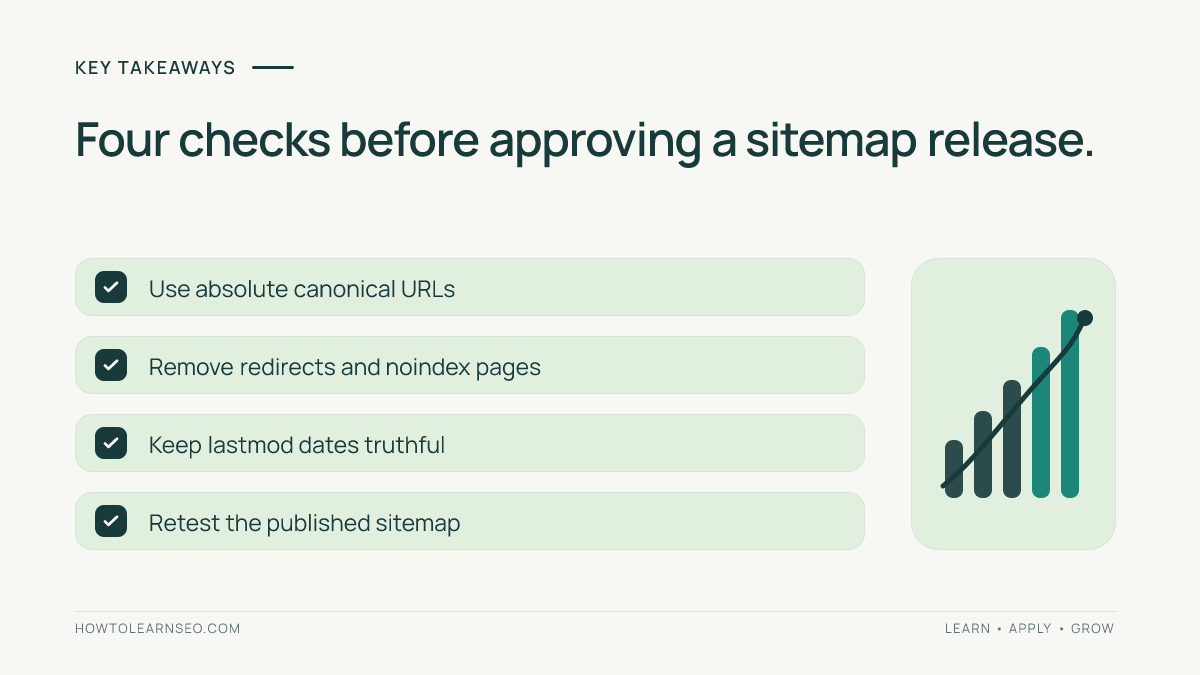
- Audit the published sitemap, not just the AI proposal.
- Prefer indexable canonical URLs over redirects and tracking variants.
- Validate XML structure and truthful modification dates.
- Change the generator rather than introducing a competing sitemap file.
- Record evidence, retest, and hold unresolved exceptions.
Identify the Sitemap Generator
Gather the proposed URL list, a browser that can view XML source, a spreadsheet, and permission to inspect WordPress settings. Search Console access helps with final verification. Record the existing configuration before editing. This workflow does not require another plugin; adding one may complicate generator ownership.
WordPress core provides a sitemap index at /wp-sitemap.xml; SEO plugins can supply a different endpoint. Open the actual sitemap referenced by your site or Search Console and follow child sitemap links if the file is an index. The WordPress core announcement documents its native structure. Never assume a guessed sitemap endpoint is the one Google receives.
Our Google indexing guide explains why sitemap discovery and actual indexing are different outcomes.
Build a URL Evidence Sheet
Compare the proposed URLs with entries in the real child sitemap. Create columns for proposed URL, live sitemap presence, HTTP status, redirect target, canonical, noindex, significant modification date, decision, and retest result. Preserve the raw proposal for review.
- Open each proposed URL anonymously and capture the final HTTP response, not merely its appearance in a browser.
- Inspect the page source or headers for canonical and indexing directives. Crawling restrictions can prevent Google from seeing some directives.
- Compare the requested URL with the preferred public destination. Query strings and old paths deserve explicit decisions.
- Check
lastmodagainst evidence of a meaningful content change. Omit unverified dates.
Google’s sitemap documentation recommends fully qualified URLs and generally listing canonical pages. Our canonical tag guide explains why a canonical hint does not dictate Google’s final selection.
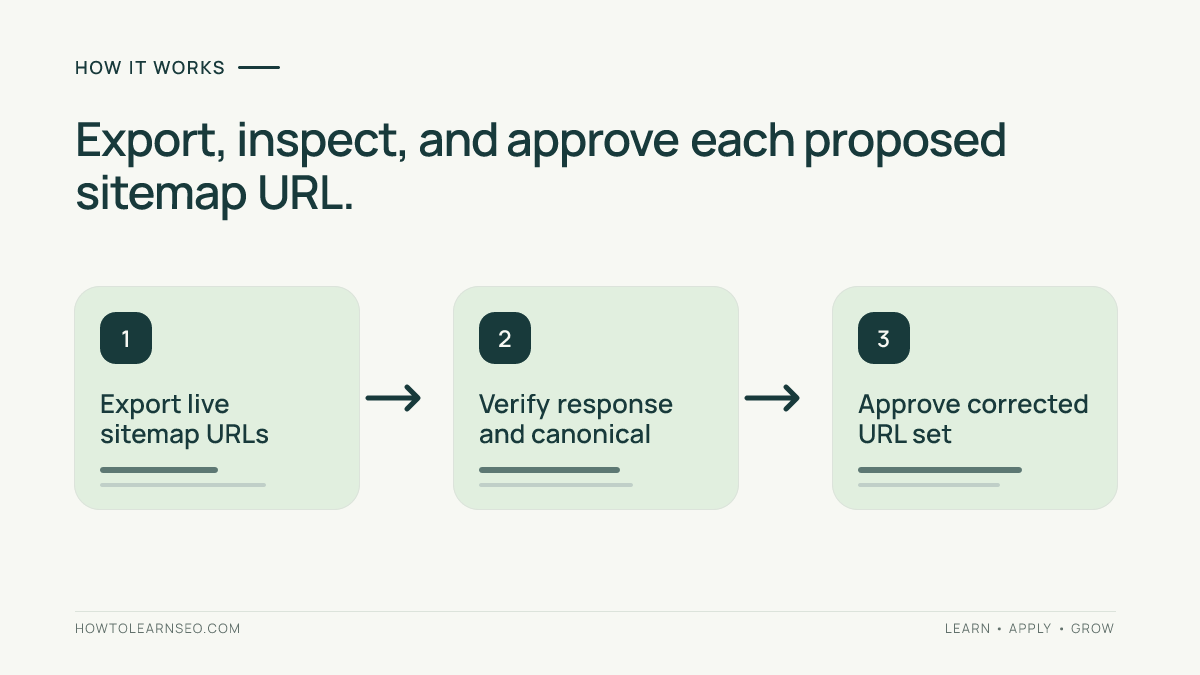
Worked Example: Two Approved URLs and Two Exclusions
These are illustrative inputs, not a real site test. Assume an AI proposal contains four URLs and the reviewer confirms the following responses and page signals.
| Proposed URL | Illustrative evidence | Decision |
|---|---|---|
https://example.com/guides/crawl-audit/ | 200, indexable, self-canonical | Keep clean URL. |
https://example.com/guides/crawl-audit/?ref=menu | 200, canonical points to clean guide | Exclude parameter variant. |
https://example.com/old-checklist/ | 301 to /checklist/; destination 200 and indexable | Replace with verified destination. |
https://example.com/private-preview/ | 200 with noindex | Exclude preview. |
The expected approved output contains exactly two URLs: the clean guide and https://example.com/checklist/. Verify that each resolves directly, is intended for indexing, and has the appropriate canonical signal. Edge case: if /checklist/ itself returns a 404 or noindex, mark that row Hold for repair rather than adding a second bad entry.
Google describes sitemap inclusion as a weaker canonical signal than redirects and canonical annotations in its canonicalization guidance. Sitemap presence alone does not prove Google’s canonical choice.
Check the XML That WordPress Actually Serves
After changing the generator’s configuration, inspect the XML source. This illustrative two-entry sitemap omits lastmod because no verified dates were supplied:
<?xml version="1.0" encoding="UTF-8"?>
<urlset xmlns="http://www.sitemaps.org/schemas/sitemap/0.9">
  <url><loc>https://example.com/guides/crawl-audit/</loc></url>
  <url><loc>https://example.com/checklist/</loc></url>
</urlset>
Check the urlset root, sitemap namespace, absolute loc values, and escaped XML characters. An index instead uses sitemapindex and references child files. Do not paste this example over your live sitemap. Repair the source configuration or page state, then reload the generator’s output.
One sitemap supports at most 50,000 URLs or 50 MB uncompressed; split larger files, usually with an index. See Google’s sitemap index documentation. Our staging audit covers related launch safeguards.
Verify Modification Dates and Indexing Signals
Do not assign today’s date to every lastmod field simply because AI suggested it. Google says the optional value should reflect a significant change, such as updated main content or structured data. Cosmetic changes may not qualify. Google’s lastmod explanation also confirms that it does not use changefreq or priority.
Check redirects, canonical targets, noindex directives, and robots rules separately. A robots disallow is not a reliable removal method for indexed URLs; our robots.txt guide covers that distinction. Hold entries with unclear indexing intent for an owner decision.
Consider a second illustrative review: an article’s main text was last revised on October 20, but the AI proposal sets lastmod to November 3 without evidence of a new edit. The reviewer should reject that date and consult the content revision history or another reliable change record. If the revision history is unavailable, leaving the field out is more defensible than assigning the current date. Recheck the sitemap after saving because some generators derive dates automatically from WordPress modification records; the public output, not the draft recommendation, is what must be assessed.
Publish and Retest the Corrected Sitemap
- Save generator settings and the approval sheet, including excluded and held URLs.
- Make the smallest authorized WordPress, plugin, or underlying-page correction. Avoid duplicate sitemap generators.
- Reload the sitemap and child files. Verify the two approved URLs appear once each and the excluded variants are absent.
- Retest final URL responses and canonicals; caching can delay a visible sitemap update.
- Review the Sitemaps report in Search Console and submit the correct sitemap when needed. Record the report’s actual status.
Google’s Sitemaps report help distinguishes successful reads from fetch and parsing problems. Even a successful sitemap read is not an indexing guarantee. Record the deployment in our SEO change log workflow.
Diagnose Failed Checks Without Guessing
If a sitemap URL serves HTML, inspect its redirects, caching, security rules, and generator ownership. If a child sitemap fails, test that child URL directly. If a proposed destination redirects or is noindex, correct its underlying state before including it. Do not remove a deliberate noindex just to satisfy the AI output.
Mark missing evidence Needs verification, not Approved. Success means a signed-off URL decision sheet and a retrievable sitemap matching its approved entries; held exceptions remain unresolved until checked.
Record Rollback Evidence Before Signing Off
Keep a copy of the prechange sitemap, the postchange sitemap, and a dated note naming the configuration changed. If the public output suddenly drops unrelated canonical pages, restore the previous setting rather than trying to fix every missing URL with an AI-generated list. Compare the two exports by exact URL and review each unexpected removal. After rollback, reload the sitemap and verify that the original public entries have returned. This provides a testable recovery path when a plugin update, caching rule, or mistaken exclusion affects more than the planned two URLs.
Do not treat a clean XML file as evidence that Google has indexed every entry. Keep the sitemap release test separate from later Search Console indexing observations so the team can identify whether a problem belongs to file generation, URL eligibility, or Google’s independent indexing decisions.
Frequently Asked Questions
Can AI create a WordPress sitemap safely?
AI can suggest entries and checks, but a controlled WordPress generator should produce the actual file. Review its live output before approving changes.
Should redirected URLs appear in XML sitemaps?
Usually list the final canonical destination instead. Confirm it resolves successfully and is eligible for indexing before replacing an old URL.
Does sitemap submission guarantee indexing?
No. A sitemap supports discovery, while Google decides whether to crawl and index individual pages using additional signals.
Does every sitemap URL need a lastmod date?
No. The field is optional. Use a date only when it represents a verified significant modification to the page.
Should I manually replace the WordPress sitemap file?
Usually not. Identify the active core or plugin generator first, then fix its settings or source content to avoid competing sitemap versions.
What if Search Console cannot fetch my sitemap?
Test the exact submitted URL, HTTP response, access restrictions, and XML. Consult the report details and repair the confirmed cause.
Conclusion
Validating AI-generated XML sitemap changes in WordPress is a release review, not a copy-and-paste task. Compare proposals with real page evidence, publish verified canonical destinations, and retain exception records. A clean, accessible sitemap is testable; indexing is a separate outcome.