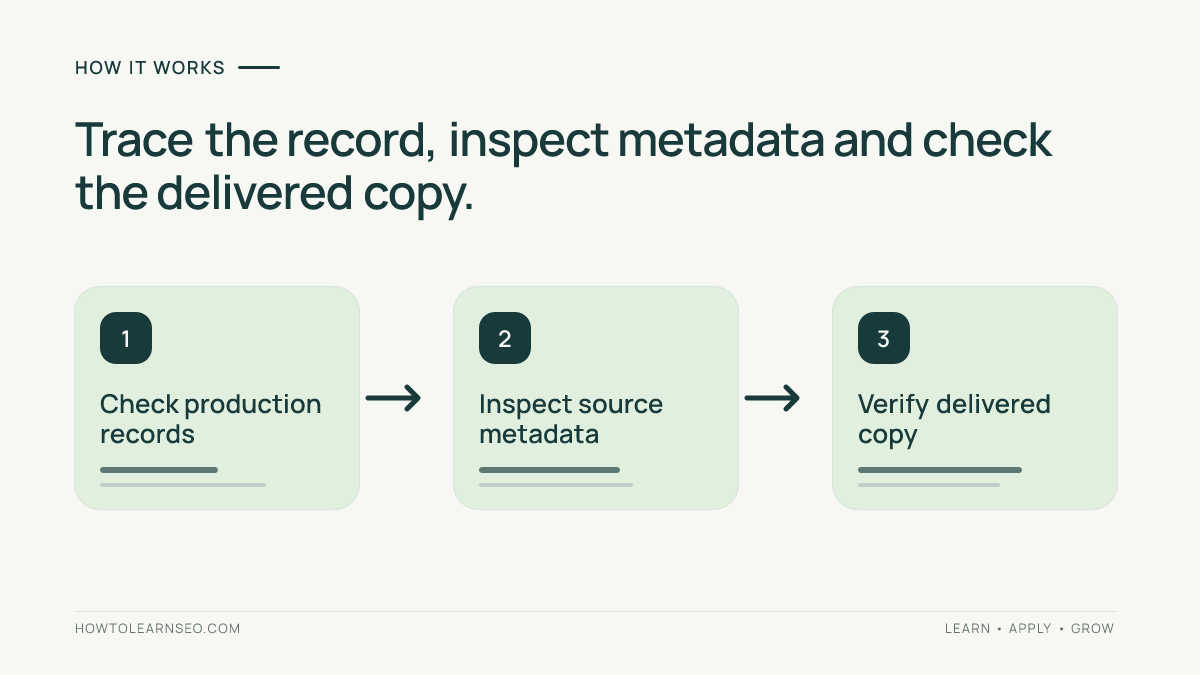
An AI image provenance audit checks how an illustration was made, what evidence supports that history and whether the published WordPress page describes it truthfully. Start with the production record, inspect the original file, then compare the caption and metadata with the image visitors actually receive. A convincing visual or an embedded label alone cannot establish its complete history.
This tutorial covers editorial illustrations in articles. Product-feed compliance, licensing disputes and forensic authentication need their own review.
Quick Answer
For each image, record its source, generation or editing method, responsible contributor, original file and intended role. Compare those records with the visible image, caption, alt text and available embedded metadata. After upload, inspect a delivered copy again. Hold the asset if its origin is unresolved or it misleadingly presents a generated scene as evidence.
Key Takeaways
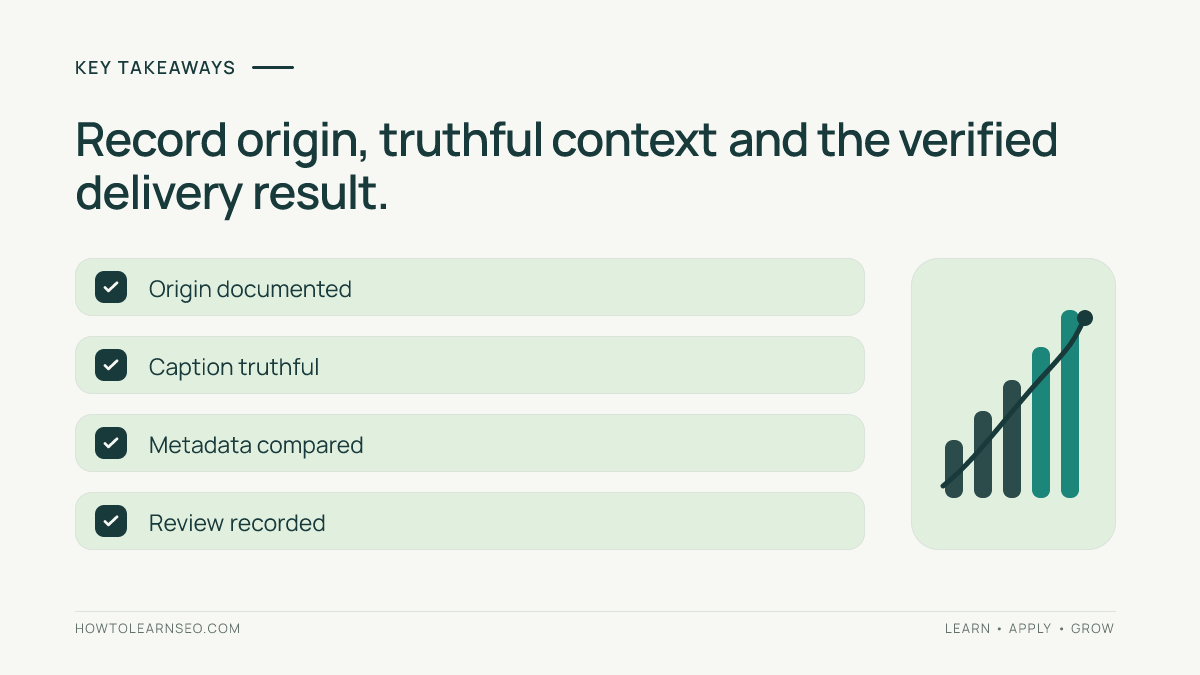
- Production records, embedded metadata and visible captions serve different purposes.
- A generated illustration must not masquerade as a real screenshot or test result.
- Inspect delivered files as well as the original upload.
- Record missing evidence honestly rather than inventing creator or licensing details.
Prepare an AI Image Provenance Audit
You need the original asset, available production notes, WordPress editor access, the article preview and a local metadata reader that supports IPTC/XMP fields. Use approved local software for unpublished files. Keep a backup before metadata edits, and ask the contributor for missing records rather than guessing from the image’s appearance.
Create a register with article URL, media ID, original filename, contributor, tool or production method, editing history, intended use, metadata findings and decision. Separate generative AI from ordinary software-drawn graphics. A deterministic diagram does not become generative AI merely because software rendered it.
Use the site’s AI disclosure workflow for reader-facing context and its editorial policy for approval responsibilities.
1. Establish What the Image Represents
Open the actual full-size file. Read every label and inspect objects, quantities, relationships and implied claims. Compare it with the surrounding article: is this an illustration, a diagram, a genuine photograph or documentary evidence?
Ask who produced it, what source material was used and what changed afterward. Retain the generation/export record when available. Do not invent a model name, capture date, photographer or location to fill an empty field. If supplied evidence is insufficient, mark the history unverified and decide whether the asset can responsibly be used.
A generated analytics dashboard cannot document measured traffic. Replace it with an original explanatory graphic or obtain a legitimate, privacy-safe screenshot through the approved workflow. Correct alt text cannot repair a misleading claim built into the image itself.
2. Read the Original File’s Metadata
Open a copy in your metadata reader and inspect the IPTC/XMP panel. Record any Digital Source Type, creator, credit, description and rights-related values. Preserve the raw value alongside the readable label so another reviewer can interpret it consistently.
The IPTC Photo Metadata User Guide explains Digital Source Type and the controlled vocabulary for different production methods. Its Created using Generative AI definition identifies media produced using a trained AI model. Select the value matching the actual workflow; do not apply it indiscriminately to every illustration.
Metadata is a recorded assertion, not independent proof that a scene occurred. Missing metadata does not prove human authorship, and a creator field does not establish permission to use an asset. Resolve disagreements against production records and the responsible contributor.
Google’s image metadata documentation distinguishes embedded IPTC information from page-level structured data. WordPress attachment titles and captions are another layer. Filling a Media Library field does not demonstrate that the downloaded file contains the corresponding embedded value.
3. Check the WordPress Presentation and Delivered File
In the article editor, select the Image block. Review its alt text and caption, then compare the attachment details in Media Library. The official Image block documentation covers these controls. Check the actual block rather than assuming an attachment edit corrected every existing placement.
Write alt text for the image’s informational purpose in that section. Use the caption for useful visible context, including its illustrative role when readers might otherwise mistake it for evidence. For example: “AI-generated illustration of a fictional server room; not a photograph of our infrastructure.” Use that wording only when it accurately describes the asset.
Preview desktop and mobile, then verify the published page while logged out. Open or save the displayed image through the browser’s image controls. Record its delivery URL, dimensions and file type. Use the same metadata reader on the downloaded copy and compare its fields with the original.
Responsive images may deliver different sizes. Inspect the version used in the tested view and a representative alternate size if available. If conversion or optimization removed required information, ask the delivery-pipeline owner to preserve it and repeat the check. Do not report metadata as retained merely because it exists in the source file.
For ordinary delivery checks, Google’s image SEO guidance recommends standard image elements, descriptive context and appropriate responsive delivery. These support discovery and usability; they do not certify provenance.
Illustrative Decision Register
The following fictional cases demonstrate audit decisions. They are not findings from this website or results of a metadata-preservation test.
| Finding | Decision | Verification |
|---|---|---|
| Generated dashboard captioned as an actual result | Hold and replace the misleading asset. | Confirm the replacement makes no fabricated measurement claim. |
| Original has a source-type value; delivered copy does not | Investigate the export or delivery step. | Download again and compare metadata after repair. |
| Illustration is credited to an invented photographer | Correct the unsupported attribution. | Check page text, attachment fields and file metadata. |
| Known generated illustration has accurate context | Approve once remaining checks pass. | Record the reviewer, evidence and delivered-file result. |
Troubleshooting and Limits
- No production record: ask the contributor; keep unresolved origin marked unverified.
- Caption missing publicly: check block visibility and the theme’s rendered output.
- Metadata differs by image size: trace resizing and format conversion separately.
- Graphic claims a ranking improvement: require genuine supporting data or remove the claim.
Recheck after an image replacement, optimization change or CDN migration. Keep a dated record of which file was examined. General image optimization checks belong alongside this audit, but neither loading speed nor attractive design proves origin.
Google’s AI features guidance provides no special image-provenance schema that guarantees inclusion. Editorial verification, crawl/index eligibility, citation observations and business outcomes are separate assessments. A crawl request or assistant visit is not evidence that an image was cited.
Frequently Asked Questions
Does an AI label prove the complete image history?
No. It describes a declared production characteristic. Compare it with available records and editing history. If the evidence remains incomplete, record the uncertainty rather than claiming that the image has been independently authenticated.
Is a visible caption the same as embedded metadata?
No. A caption appears on the page, while embedded metadata travels inside the file when preserved. Review both. Editing an attachment caption does not establish that a delivered image contains the same information.
Does missing metadata prove an image is human-made?
No. The file may never have contained those fields, or information may have been removed during processing. Investigate its production and delivery history instead of treating absence as a reliable authorship signal.
Must every software-generated diagram be labeled generative AI?
No. Match the description to the actual production method. A chart rendered from verified data or a manually specified diagram differs from imagery generated by a trained model. Keep the record specific and truthful.
Will provenance checks improve rankings or guarantee citations?
No guarantee exists. The audit supports truthful publishing and maintainable records. Search discovery, ranking and AI selection depend on other factors too. Measure observed outcomes separately without attributing every change to metadata.
Conclusion
An AI image provenance audit connects production evidence, accurate presentation and the delivered WordPress asset. Inspect all three, document uncertainty and approve only claims supported by the available record.