Bing Webmaster Tools helps website owners verify a site, submit a sitemap and understand performance in Bing Search. It is a separate source of evidence from Google Search Console. This setup guide explains how to confirm ownership, choose a useful sitemap, inspect reports and turn findings into a small prioritized SEO worklist without mistaking a submitted URL for an indexed one.
Quick Answer
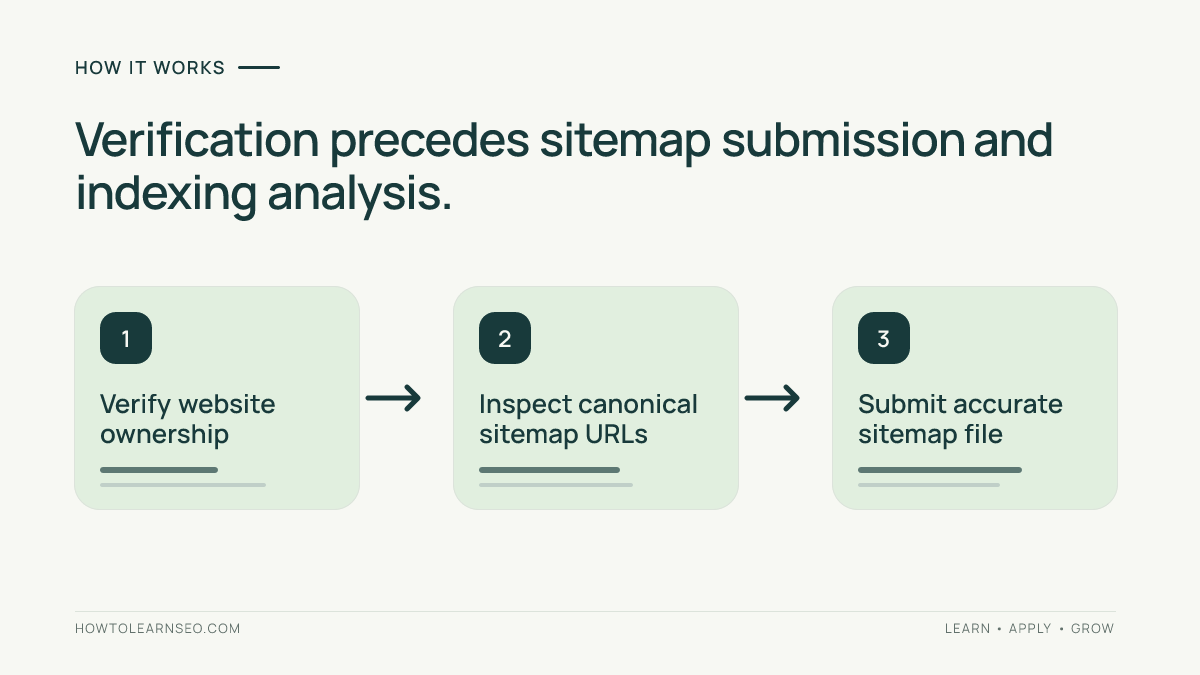
To use Bing Webmaster Tools, sign in, add or import your website, complete the supported ownership verification process, submit a maintained sitemap and allow reports to populate. Then review search performance, indexing signals and technical recommendations as separate evidence. Microsoft’s official getting-started checklist describes this sequence and recommends checking the sitemap after verification.
Key Takeaways
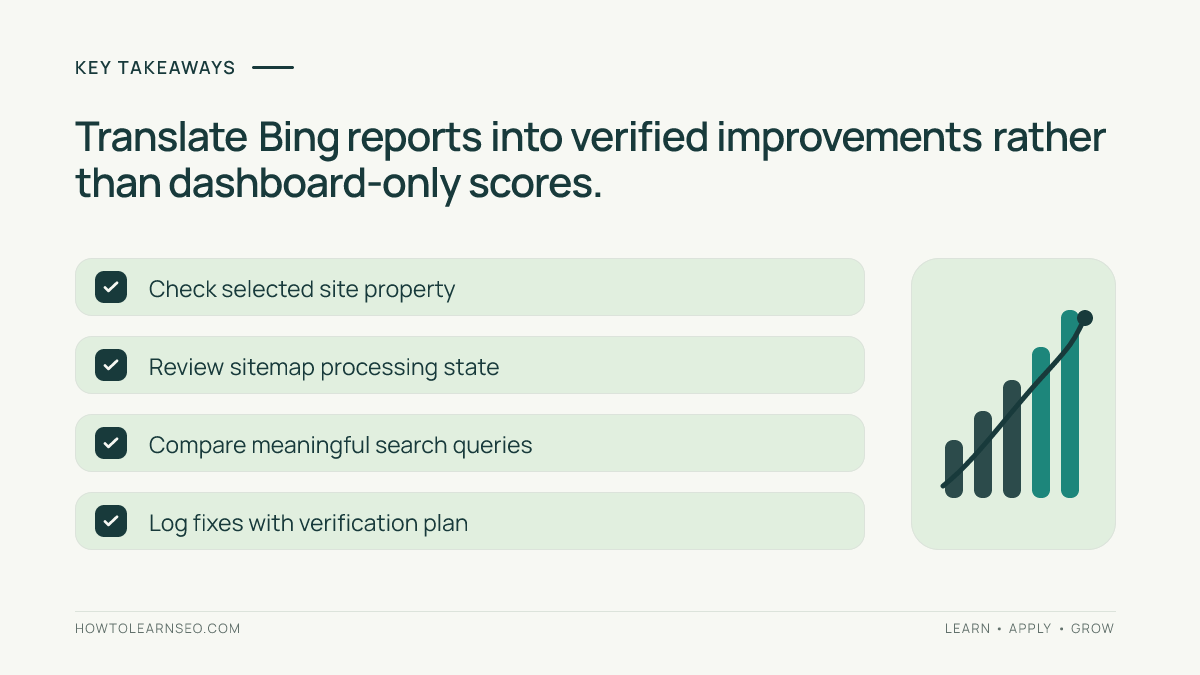
- Verify the exact site property before interpreting report data.
- Submit a valid sitemap, but never equate submission with indexing.
- Record the reporting date and search engine whenever comparing metrics.
- Use reports to identify an actionable page-level issue, not just a dashboard score.
- Keep Bing recommendations separate from Google-specific requirements.
Prepare the property and verify ownership
Decide which website address you need to manage and confirm that your team has legitimate access to verification methods. An SEO consultant may analyze public content, but property verification should be authorized by the site owner. Note whether the site redirects between www and non-www versions and which URLs are intended to be canonical. You want the property and submitted sitemap to describe the website visitors and crawlers actually reach.
Microsoft’s setup process supports signing in and adding a site, then choosing an available verification method. For some eligible sites, importing from a connected Google Search Console account may reduce repeated setup. After verification, inspect the selected property name carefully before changing settings or submitting anything. Do not publish verification tokens through a public tutorial or grant broad account permissions merely to get a report screenshot.
Find a reliable sitemap and inspect its contents
Look for the site’s maintained XML sitemap or sitemap index. A sitemap should list canonical, relevant URLs that the owner intends search engines to discover. Do not assume every URL returned by a site search is fit to include; duplicate filter combinations, expired temporary pages and redirected URLs may not belong there. Compare a small sample against what the browser loads and the canonical tags observed on the target pages.
Bing’s sitemap documentation covers XML, RSS, Atom and text formats. Select one that your publishing system updates accurately. If the site already uses a sitemap index, follow that index rather than submitting every child repeatedly without a reason. Our indexing fundamentals guide explains why discoverability and indexing are different stages of search visibility.
Submit the sitemap and interpret status correctly
After the property is verified, locate the sitemap submission feature and send the actual sitemap URL. Confirm that the address is public, returns a successful response and does not require a customer login. Record the submission date and the exact URL in an SEO change log. Repeatedly submitting the same unchanged file is not a substitute for resolving invalid entries or server errors.
Inspect the reported processing state when data becomes available. If the tool lists a submission as processed, that does not mean each listed page will be included in the search index. Bing must still make its own crawling and indexing decisions. If a known important page is absent, check links, directives, server responses and content value before sending repeated requests. Refer to our robots.txt guide to distinguish crawl controls from instructions about indexing.
Use search reports to find one meaningful improvement
Review the site’s search queries and landing-page performance with a clear date window. Look for relevant pages that receive impressions but few useful clicks, URLs that no longer match their queries or unexpectedly missing service pages. Separate a business goal from a metric: a query with many impressions is not necessarily a high-value lead opportunity. Read several actual pages before concluding that a title or description needs revision.
When comparing months, note seasonality, site migrations and campaign periods. A small site may have too little Bing data for confident conclusions. It is valid to record “insufficient data” instead of manufacturing a trend. Our Google Search Console guide explains similar metric families on a different platform; avoid adding positions from two search engines or treating them as one combined ranking system.
Illustrative example: a small repair-service website
Input: Imagine a fictional workshop with fifteen useful service and contact pages, a verified Bing property and a sitemap containing seventeen URLs. Two entries redirect to newer pages, while one important brake-repair page has a direct internal link but is missing from the sitemap. These are hypothetical numbers intended to show a review process, not real tool results.
Rule and action: Export the intended canonical URL list, compare it with sitemap entries and replace redirected addresses with the correct destination URLs. Add the useful missing service page if it belongs in the sitemap. Confirm that the page returns a successful response and its internal link is discoverable. Submit the maintained sitemap once, then record the processing result separately from page indexing.
Expected output: The sitemap reflects sixteen intended canonical URLs rather than including redirected entries. Verify: Open the sitemap and sample URLs, inspect the actual submission status, then check relevant page-level reporting after processing. Edge case: If the missing page is deliberately blocked from indexing, do not add it mechanically; resolve the owner’s publication intent first.
Turn technical warnings into an ordered worklist
Technical reports can surface site issues, but a warning is not automatically a critical business problem. Classify findings by affected URL count, page importance, user impact and confidence in the evidence. A blocked checkout or a missing canonical service page matters more than a cosmetic alert on an obsolete landing page. Verify a representative URL manually before changing a template across the entire site.
Assign an owner and target date to each accepted fix. Include the current state, planned action, how to verify the change and a rollback note if it affects redirects or templates. After deployment, check the affected URLs rather than relying entirely on a dashboard change. For a systematic approach to site structure, our website architecture guide shows how crawlable internal connections support discovery.
Build a sustainable monthly Bing SEO routine
Review ownership access, sitemap health, important technical warnings and the most meaningful queries monthly or after significant deployments. Keep records of URL changes and report dates so a new team member can reproduce the reasoning. If the website receives minimal Bing impressions, focus on crawlable, useful pages and legitimate audience demand rather than trying to inflate a performance number.
Microsoft’s Webmaster Support guidance notes that reporting can take time after site verification and recommends sitemap submission when data is initially sparse. Do not interpret an empty dashboard on day one as proof that the tool is broken. Check the correct property and wait for settled reporting before drawing conclusions about visibility.
Frequently Asked Questions
Is Bing Webmaster Tools free?
Microsoft provides Bing Webmaster Tools as a free webmaster service. A site owner still needs an account and a verified property before accessing site reports.
Can a site be imported from Google Search Console?
Bing provides an import workflow for eligible Search Console sites. Review verification and access details rather than assuming an import grants unlimited permissions.
Does submitting a sitemap guarantee indexing in Bing?
No. Sitemaps help discovery, but submission does not guarantee crawling, indexing or a particular search position.
Which sitemap format does Bing support?
Bing documents XML sitemaps, sitemap index files, RSS and Atom feeds, and text URL lists. Choose a format maintained accurately by the website.
Why might the dashboard show no traffic after verification?
Bing reports may need time to accumulate data, and low search visibility may also mean few measurable impressions. Check site selection, verification and report dates first.
Should Bing and Google data be combined into one ranking score?
No. Keep Bing and Google impressions, clicks and positions separate because the two search engines have distinct datasets, definitions and audiences.
Conclusion
Bing Webmaster Tools is most useful as a source of verified, site-specific evidence. Establish ownership, submit an accurate sitemap, inspect search data with its limitations and choose measurable fixes. Keep the workflow lightweight: a small list of well-verified tasks is better than a large collection of warnings that nobody understands or resolves.