Multi-location SEO helps customers find the correct branch of a real business, not a collection of interchangeable city pages. A location landing page should give visitors accurate address, hours, services, accessibility and contact information, while fitting into a clear store-locator structure. This planning guide shows how to decide which pages are worthwhile and how to verify they serve different local search intentions.
Quick Answer
Create one useful page for each genuine business location when that branch has its own customer information. Include its real name, address, hours, available services, directions and contact route. Link branches through a usable locator and keep business listings consistent. Avoid fake branches, doorway pages and copied city-name substitutions. Our local SEO fundamentals guide explains where location pages fit in local discovery.
Key Takeaways
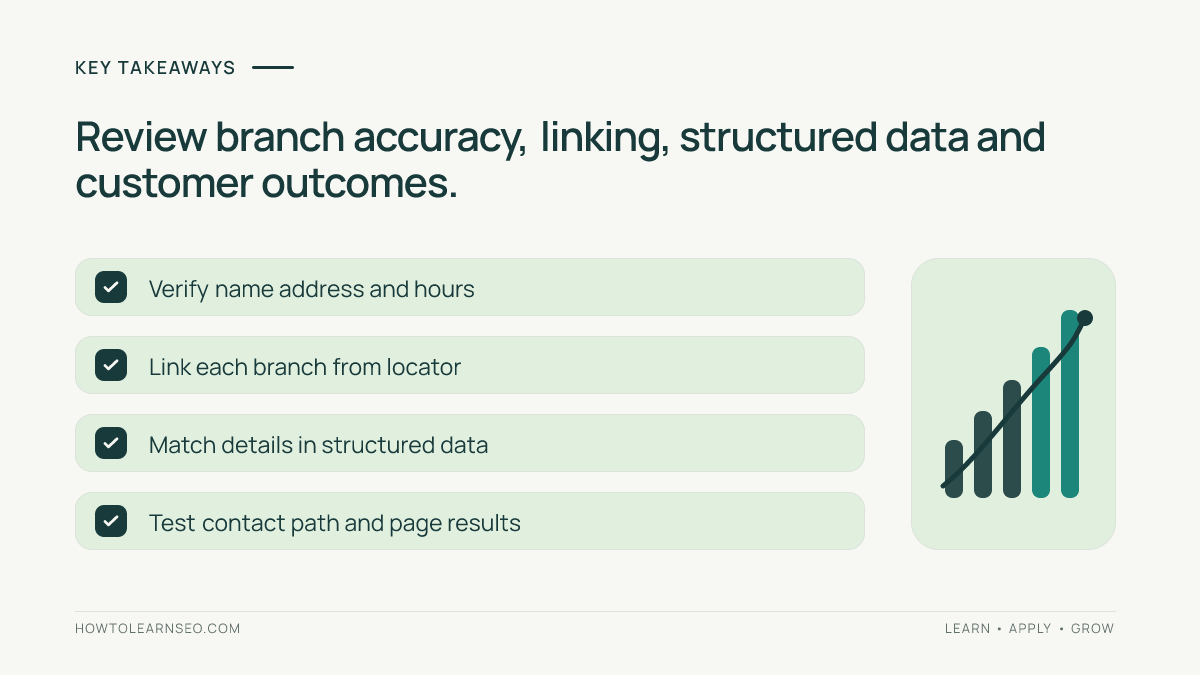
- Plan around actual branches, not every city with search demand.
- Give each page real details that distinguish that branch.
- Use a browsable directory and ordinary HTML links.
- Align website details with business profiles and signage.
- Measure each location’s outcomes with its own baseline.
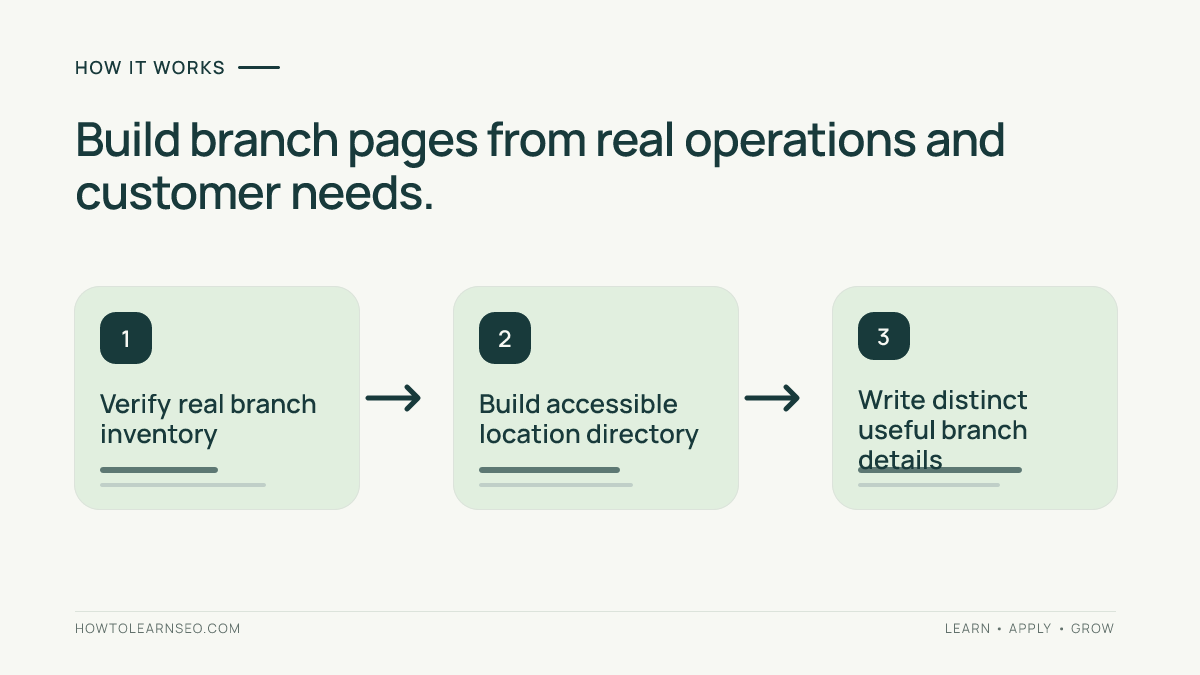
Start with a verified location inventory
Collect the real-world name, street address, telephone number, opening hours, services and booking arrangements for each branch. Verify the information with operations before using a marketing spreadsheet as the source of truth. Include temporary closures, service limitations and accessibility details that customers need to know. A business with a single staffed office and a large travel area is not automatically a multi-branch business.
Separate genuine storefronts from warehouses, service areas and remote employees. Google’s Business Profile representation guidance explains eligibility and address principles. A website page may explain service coverage, but it should not present a home address as a walk-in branch or imply that a serviced town has a permanent office. Accuracy matters before keyword targeting.
Design a locator that helps visitors choose
Build a central locations page that lists branches by meaningful region and links with standard HTML anchors to each real location. Provide an accessible list or search mechanism alongside a map rather than making every destination available only after interacting with a script. Users should still understand which branch is nearest, which services it offers and whether appointments are required. Check that navigation works on a narrow mobile screen.
Choose a stable URL pattern such as /locations/city-branch/, while avoiding ambiguous location names. Do not force every branch under a fabricated hierarchy solely to create keyword-rich paths. A logical directory and distinct pages can support users and crawlers. Our website architecture guide explains why internal link connections help search engines discover important destinations.
Build each branch page around actual customer decisions
Put the branch name, address, relevant directions, hours, parking or transit information and primary contact method near the top. Explain which services are offered at that address and which require booking. Add authentic location photographs where available, especially a recognizable entrance. A branch with a repair workshop may need a different description from a branch that provides sales and collection only.
Do not replace only the city name in an otherwise identical article. Shared corporate policies are normal, but the most useful branch-specific facts should be prominent. Include local staff credentials or accessibility details only when verified. If a branch has limited appointment days, state them clearly rather than writing a generic promise of everyday service. The Google people-first content guidance emphasizes information that directly serves a real audience.
Keep contact information and local listings aligned
Check that the address, phone, opening hours and website link agree with the real business, branch signage and any eligible Google Business Profile. A national phone number can be appropriate, but customers should not be misled into believing they are calling a different branch. Review links after a branch moves or closes. A live location page with a discontinued address is both a usability problem and a potential source of confusing search results.
Where relevant, add supported LocalBusiness structured data that describes information actually visible on the page. Google’s Local Business structured-data reference explains eligible properties and requirements; this markup does not create a legitimate branch or guarantee a special display. Validate it against the actual branch rather than copying identical address fields across pages.
Illustrative example: three branches with different services
Input: Imagine a fictional repair chain with three genuine branches. The North branch repairs phones and computers, the East branch repairs phones only, and the Central branch sells accessories and accepts repairs by appointment. The current website has a single generic city page that says every branch offers every service. This is a teaching scenario, not a live audit.
Action: Create a locations index linking to three verified branch pages. Put each location’s actual hours, service availability, address and contact path on its page. The East page should not promise computer repairs; the Central page should explain its appointment-only process. Keep consistent brand navigation while using truthful differences in the primary content and metadata.
Expected output: A customer can choose the appropriate branch before travelling. Verify: Start at the locator, follow each HTML link, test contact options and compare key facts with approved operations data. Edge case: If one branch closes, update its real-world listing and decide whether the old page should explain the closure, redirect to the best alternative or return an appropriate removal response based on its remaining value.
Avoid doorway pages and keyword-only expansion
Creating dozens of pages that merely swap a city name, then funnel visitors to one distant office, fails the customer test. If a town has no office, a genuine service-area explanation might still be valuable, but it must describe actual service coverage and useful logistics rather than claim a local storefront. Do not publish pages for neighborhoods with no operational distinction just because a keyword tool lists impressions.
Compare each proposed URL with the existing inventory and ask what question it uniquely answers. A new page may be justified by branch-specific hours or services; another page about “best repair center in suburb X” may add nothing. Use our keyword cannibalization guide to think about overlapping intent, while recognizing that different genuine branches can reasonably have distinct pages.
Measure branch performance without false comparisons
Review impressions and clicks for each published location page in Search Console, then compare them with actual branch enquiries or bookings when permitted. Keep search intent and location demand in mind: a downtown branch might naturally attract more searches than a small residential one. Normalize reporting by operating days or openings where appropriate and annotate changes to hours, services and branch coverage.
Maintain a location-data owner who checks branch information after every operations change. Audit the locator links, page availability and displayed contact details on a regular schedule. For technical problems, review our Search Console guide; for the experience itself, make a test appointment and confirm that a customer reaches the correct team. A useful multi-location website reduces wasted trips and misrouted enquiries.
Frequently Asked Questions
Does each business location need its own landing page?
A distinct landing page is useful when a location has a genuine address, staff, hours or services worth explaining. Creating near-duplicate pages for nonexistent locations is not useful.
Should location pages reuse the same description?
Some shared brand details are reasonable, but useful pages should accurately describe each location’s real services, contact information, access and local differences.
Can service-area businesses create pages for every town?
A service area does not justify inventing physical branches. Pages should address real customer needs and should not be mass-produced doorway pages targeting location names alone.
Which structured data is appropriate for a branch?
Relevant LocalBusiness properties can describe eligible real locations, but markup must match visible page details and meet applicable Google documentation.
What should the page link to internally?
Link logically from the store locator and relevant regional pages to each real branch, then connect to useful service and contact pages.
How can multi-location SEO results be compared fairly?
Separate organic landing-page metrics by branch, annotate changes and account for differences in local demand, operating hours and the services each branch provides.
Conclusion
Multi-location SEO begins with real, distinct operations and a navigation system that makes those differences obvious. Verify each branch, publish useful facts, connect pages through a clear locator and maintain accurate listings. Focus on helping people choose a real location rather than manufacturing pages for place names. That approach supports durable search visibility without promising local rankings.