
Learning how to use Google Keyword Planner for SEO helps you discover relevant queries and understand estimated search demand without mistaking advertising metrics for organic ranking difficulty. The tool lives inside Google Ads, but keyword ideas can support content planning, page targeting and editorial prioritization when combined with intent research and an honest assessment of search results.
Quick Answer
Open Keyword Planner in an eligible Google Ads account, choose Discover new keywords, enter a product, service or website, and set the correct location and language. Review ideas, average monthly searches and seasonality, then manually check organic intent and competing pages. Do not treat the paid competition column as SEO difficulty. See our keyword research fundamentals for the full process.
Key Takeaways
- Google Ads setup and billing information are currently required for access to basic Keyword Planner features.
- Use Discover new keywords for ideas and Get search volume and forecasts for an existing keyword list.
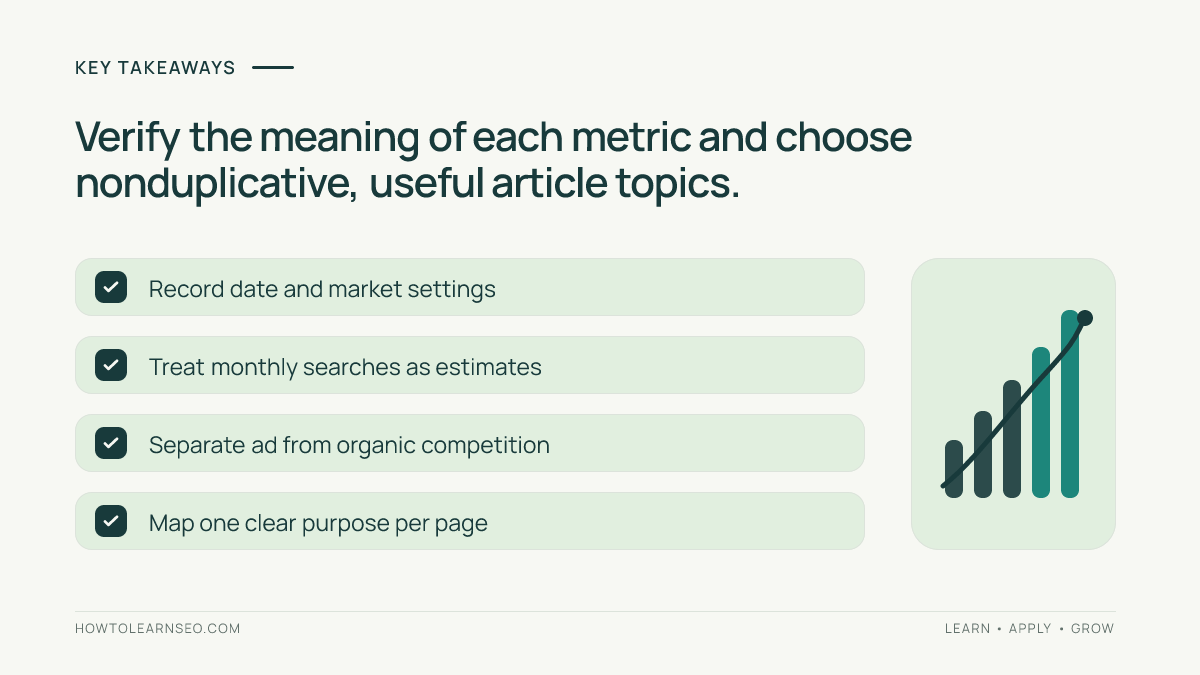
- Keep location, language, search network and date range consistent when comparing ideas.
- Historical searches are estimates; ad competition is not organic search difficulty.
- Choose topics by relevance, search intent, usefulness and realistic SERP opportunity, not volume alone.
Step 1: Confirm access before beginning
Sign in to Google Ads and complete the account setup required for Keyword Planner access. Google’s Keyword Planner instructions say billing information is required to access basic features such as keyword discovery. You do not need to create an advertising campaign as part of this SEO tutorial, but do not assume every account can use the tool anonymously or without setup.
From the Tools menu, open Keyword Planner. Depending on the account interface, menu labels and placement can change. If the feature is unavailable, check the account’s setup or permissions rather than following outdated screenshots. Do not enter billing information solely because an SEO article promises a ranking advantage; the decision to open an Ads account belongs to the site owner.
Step 2: Define a specific reader task
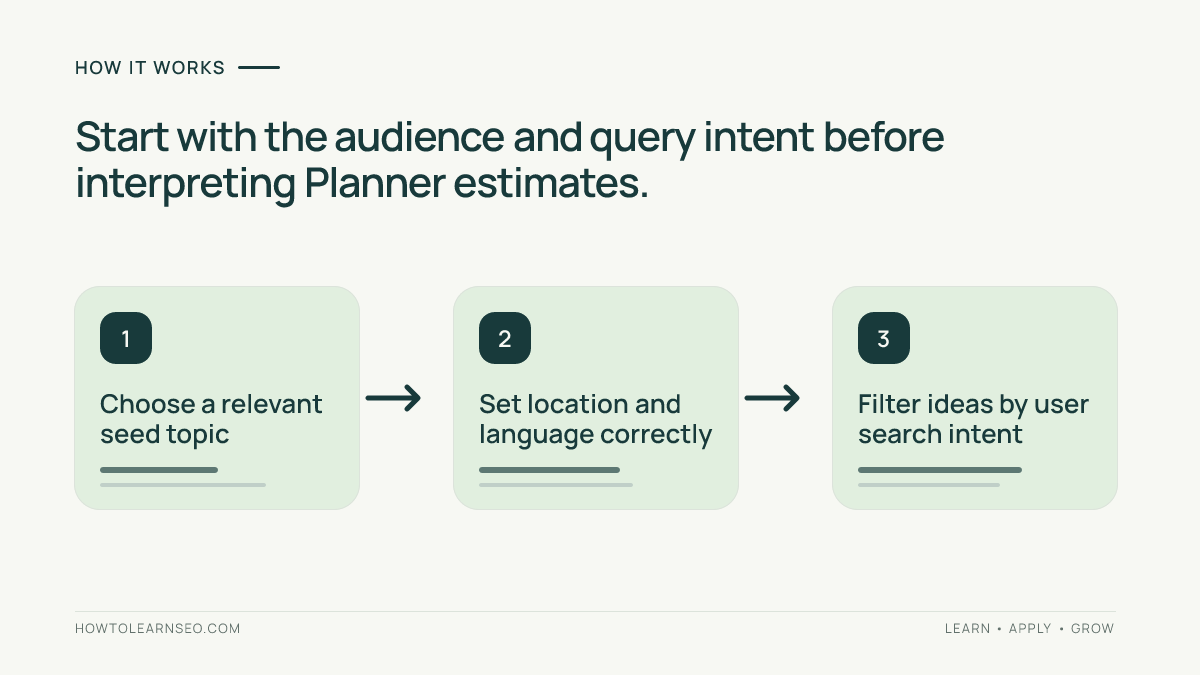
Before generating ideas, write the customer’s actual question and the page type that would answer it. Someone searching for a product comparison may need an editorial guide, while a model-specific query may require a product page. For a local service, the city and service type may matter more than a generic industry phrase. Starting with a reader task prevents a large keyword export from turning into unrelated posts.
Our search intent guide explains the main distinctions. Create a short seed list with synonyms, common problems and product or service categories. For example, a bicycle repair business might start with bicycle puncture repair, bike brake adjustment and bicycle servicing. Keep unrelated topics separate so later filtering is easier.
Step 3: Discover and filter keyword ideas
Choose Discover new keywords. Google’s documented options let you start with keywords or a website; entering both can sometimes expand the suggestions. Choose the audience’s geography and relevant language, then get results. A UK-based repair shop should not assume worldwide estimates represent its actual service market. Avoid selecting a broader location simply to make the numbers look larger.
Review the suggestions and remove queries outside your expertise or offering. Use supported filters and category refinements where useful. Google’s keyword refinement guide explains filtering by text, volume and other fields. Reject irrelevant brand names, searches for services you do not provide and ambiguous phrases whose organic results show a different intent.
Step 4: Interpret monthly searches correctly
Average monthly searches represents a historical estimate for a keyword and close variants in the selected settings. It is not a guaranteed number of visits for your website. Google explains that these statistics are rounded and that reporting depends on search settings and date range. Read the historical metrics documentation before comparing numbers across countries or months.
More importantly, Keyword Planner’s Competition column measures participation by advertisers, not the difficulty of outranking organic pages. Bid ranges are also paid advertising indicators. To judge an organic opportunity, inspect actual search results: which page types appear, how well they answer the query and whether your website can contribute distinctive, accurate information. Our keyword difficulty primer discusses why a single score cannot settle that assessment.
Step 5: Look for seasonality without claiming trends from guesses
Adjust the historical date range and review month-by-month changes for relevant phrases. A seasonal service may be searched disproportionately before a recurring weather event or holiday. Compare years if the data supports it and record the market used. Do not promote every short-lived spike into a standalone article; the opportunity should remain useful when readers arrive.
When you need broader context, use our Google Trends SEO guide to distinguish normalized interest from absolute monthly searches. Search estimates and Trends indexes are different datasets and should not be added together. Keep an evidence note identifying the date, location and source of each observation instead of reporting a fabricated “global search volume.”
Worked example: choosing one bicycle repair guide
Illustrative input: A fictional repair business is deciding between three ideas: bicycle puncture repair, bike tire replacement and mobile bike repair. The team serves a single metropolitan area. Suppose the tool returns estimates for the selected location, but the exact values are not reproduced here because no live account was queried. These are illustrative seed terms, not measured demand claims.
Action and rule: Apply the actual local market settings, export or record the suggested phrases, then inspect the organic results for each. Group puncture-repair instructions separately from the commercial intent of booking a mobile service. Choose one primary intent for each proposed URL and list only related supporting questions. Use keyword mapping to avoid assigning the same reader job to two pages.
Expected output: A small content brief identifying an educational puncture-repair guide and a separate service-page opportunity, with source, settings and confidence clearly documented. Verification: Repeat the discovery with the same settings and confirm that proposed page types match current search results. Edge case: If low-volume phrases are omitted from the tool, do not invent estimates or dismiss genuine customer questions.
Step 6: Turn keyword evidence into a publishing decision
For each candidate, record the primary query, intended audience, page type, relevant supporting phrases, verified demand evidence, competition observations and any existing site page. First determine whether a current article already satisfies the intent. Refreshing a useful page may be better than publishing a second article with a slightly different title.
Prioritize a realistic balance of usefulness and opportunity. A broad, competitive seed might belong to a pillar guide while a more specific question becomes a supporting tutorial. Preserve the source date and filters so the reasoning can be checked later. After publication, evaluate actual page and query performance in Search Console rather than assuming the tool’s forecasts translate into SEO visits.
Frequently Asked Questions
Can I use Google Keyword Planner for SEO instead of advertising?
Yes. Its keyword ideas and historical demand estimates can inform SEO research, but the tool is built for Google Ads and does not calculate organic ranking difficulty.
Is Google Keyword Planner completely free?
Keyword Planner is part of Google Ads. Google currently says account setup, including billing information, is required to access basic features; access and data detail depend on the account.
Does the competition column show organic SEO difficulty?
No. Keyword Planner’s competition column reflects advertiser competition for paid search inventory in the selected market, not the strength of organic search results.
Are average monthly searches exact counts?
No. They are rounded historical estimates that can include close variants and depend on the selected geography, network and date range.
What should I do when a keyword has no volume estimate?
Do not treat missing or low-volume data as proof of zero demand. Verify search intent, consider closely related terms and use relevant first-party queries when available.
How many keyword ideas should go into one article?
Choose one primary search intent and a small set of closely related supporting phrases. Separate queries requiring different reader tasks into different pages.
Conclusion
Google Keyword Planner can improve SEO topic research when it is used for ideas and historical context rather than as an organic ranking oracle. Complete legitimate account setup, refine your audience, interpret the metrics accurately and validate what searchers actually want. A carefully chosen topic with a distinct purpose is more valuable than a spreadsheet full of impressive but misunderstood numbers.