Learning how to create service area pages for local SEO means building useful location-specific landing pages for places where your business genuinely serves customers. The goal is not to replace a town name in the same template dozens of times. Each page should help someone decide whether you can solve their problem in that area, what the service involves, and how to contact you.
Quick Answer
Choose real service areas, group places with similar customer needs, and publish separate pages only where you can add distinct local value. Explain the services, coverage, practical logistics, proof and next step; link the pages naturally from your website. Avoid mass-produced doorway pages or fictitious addresses. Start with a focused service and a manageable number of genuinely useful locations.
Key Takeaways
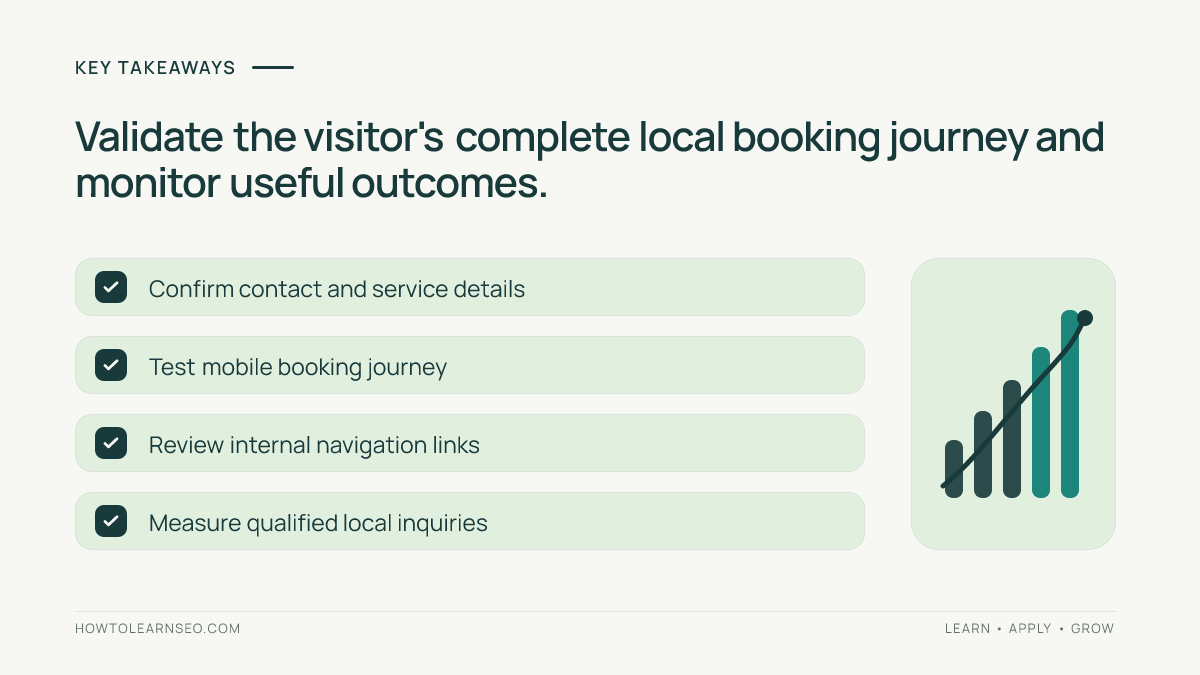
- A service area page should solve a real location-specific customer task.
- One broad regional page may be better than many near-identical city pages.
- Never invent offices, customer reviews or projects to appear more local.
- Show service details, availability, contact options and credible coverage information.
- Evaluate qualified inquiries alongside search visibility, not rankings alone.
Decide whether each location deserves its own page
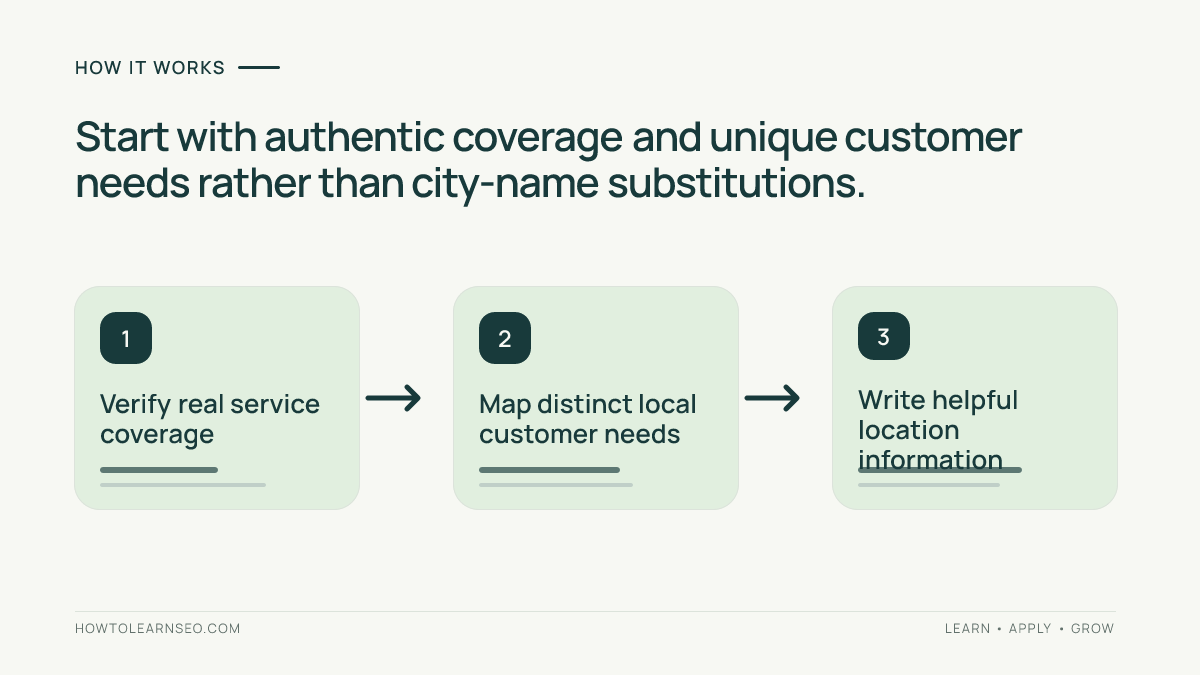
Begin with a list of places where the company actually accepts jobs. Include drive times, staffing constraints, coverage boundaries and any differences in pricing or scheduling. A plumber serving five adjacent suburbs may need one metropolitan coverage page rather than five thin duplicates. A larger provider with genuinely different teams, service windows and local case examples might justify separate pages.
Google’s spam policies warn against doorway pages designed to rank for similar queries and funnel visitors to essentially the same destination. The distinction is usefulness, not the presence of a city keyword. If the page adds nothing a customer cannot learn from a neighboring page, reconsider publishing it.
Record the page’s primary reader task before writing. For example, a person searching for emergency boiler repair in a specific town needs coverage confirmation, likely availability and a clear contact method. They do not need a generic history of the town. Our Keyword Planner tutorial explains how to investigate related language without treating advertising competition as organic difficulty.
Map locations and services to a sensible URL structure
Keep a simple spreadsheet with columns for service, geography, intended page, distinctive information and existing overlapping URL. Avoid creating both /town-plumbing/ and /plumbing-town/ when they answer the same question. A structure such as /service-areas/town/ can work, but there is no universally superior URL pattern. Clarity and stable navigation matter more than squeezing keywords into a path.
Assign one primary search intent to each page. A region-wide overview can summarize coverage and link to the few genuinely distinctive town pages. Individual service pages can explain the technical service without duplicating every town’s description. Our internal linking guide covers how related pages should connect through descriptive, useful anchors.
Write the page around local customer decisions
Lead with a clear statement of the service and the area actually covered. Then explain what customers can book, typical appointment process, any local access or travel constraints, and how to request a quote. Use precise language about operating hours and emergency availability. If timing or pricing varies, explain the conditions rather than inventing a fixed guarantee.
Add genuine evidence where available: an authorized project example, a photo of your own work, verified service credentials or an accurate explanation of the team’s experience. Do not fabricate testimonials, photographs, awards or neighborhood projects. Google’s people-first content guidance favors information that genuinely helps readers accomplish their goals.
Use a readable title and descriptive headings. A title such as “Boiler Repair in Northfield | Example Heating” is informative when that service is truly offered there. The page should still read naturally without repeating the town name in every paragraph. Our SEO content brief guide can help editors document the intended audience, proof requirements and page-specific questions.
Make coverage, contact and trust information verifiable
State the actual areas covered and how a visitor can confirm their address is eligible. Provide an accessible phone number or contact form, realistic response expectations, and relevant business policies. If you operate from a private home or travel to customers, do not invent a public walk-in address. Make sure the website and business profile describe the same real business.
Google’s Business Profile guidelines explain eligibility and representation rules for service area businesses. A service area does not automatically justify an additional profile. If you publish local citations, keep the business name and legitimate contact details consistent; our local citation audit explains how to identify misleading duplicates.
Where appropriate, add a short FAQ about parking, access, scheduling or service limitations for that location. Answer only questions supported by actual business operations. Avoid writing fabricated “local facts” from generic descriptions of the town. A useful page helps someone decide whether to call, not merely whether the business has mentioned their postcode.
Worked example: two neighboring service areas
Input: Imagine a fictional appliance repair company covering Northfield and Eastbrook. Both towns use the same technician team and booking process, but Eastbrook customers have a distinct appointment restriction caused by a local access zone. The business has no separate office in either town. This is a hypothetical planning example, not a real customer case study.
Decision rule: First create one regional service page covering both towns. Consider an Eastbrook-specific page only if its access restrictions, booking instructions and verified customer questions provide enough genuinely useful information to justify a separate destination. Do not generate two otherwise identical pages merely to target two place names.
Action: On the regional page, explain appliance types repaired, appointment requests and coverage. Link to a clearly labeled Eastbrook access guide if needed. If a dedicated landing page is warranted, include its unique scheduling instructions and a truthful contact path. Keep the regional and local pages connected with descriptive HTML links.
Expected output: Visitors can confirm whether their address is served and understand the correct booking procedure. Verification: Test the contact journey, review both pages for duplicate intent and confirm navigation from the regional page. Edge case: If Eastbrook has no distinctive customer need after all, keep one regional page and mention the town in its coverage list.
Publish, link and measure the actual customer journey
Before publication, check mobile readability, contact forms, factual coverage statements, page titles, canonical URLs and internal links. Ask a colleague unfamiliar with the site to find the correct service page from the homepage and complete a sample inquiry without sending it. Fix any confusion between a service description and the page’s geographic coverage.
After launch, inspect the page’s queries and clicks in Search Console and review qualified inquiries in your analytics or booking system. Our Search Console guide explains the reporting basics. Separate branded and nonbranded demand when useful; do not claim a ranking increase from a single short period or assume that a new page will be indexed immediately.
Review pages when service boundaries, staff capacity or contact details change. Consolidate pages that no longer offer distinct value, using an appropriate redirect only when a genuinely equivalent destination exists. For growing businesses, a periodic coverage audit prevents stale location promises from disappointing customers. Measure whether the page helps people book the correct service, not simply whether it contains a geographic phrase.
Frequently Asked Questions
Do I need a page for every town I serve?
No. Create a separate page only when you can provide meaningful location-specific information and a useful experience. Thin near-identical pages can become doorway pages.
Can a service area business rank without a storefront?
Yes. A legitimate service area business can serve customers at their locations. Website pages should truthfully explain service coverage rather than inventing local offices.
Should every service area page use the same text?
No. Reuse necessary facts such as business hours, but write genuinely useful details about coverage, logistics, local examples and customer needs.
Can I put a city name in every title tag?
Use the location when it accurately describes the page and helps searchers. Repeating many city names in one title is not a substitute for helpful content.
Should I create a Google Business Profile for each service area?
No. A service area alone does not justify another profile. Follow Google’s eligibility rules for distinct, legitimate business locations.
How do I measure whether a service area page works?
Track its Search Console queries and landing-page clicks, then assess qualified inquiries or bookings in analytics without assuming rankings are guaranteed.
Conclusion
To create service area pages for local SEO, start with real coverage and customer needs, then publish only pages that offer distinct practical value. Give visitors clear service details, truthful local information and an easy next step. A smaller set of trustworthy, connected pages is usually a better foundation than dozens of interchangeable city templates.